
1. Search: Select a search field, such as Order No., in the toolbar above the list. Enter a keyword and press Enter. 2. Filter: Click “Filters” to the right of the search field and set conditions to narrow down the list. 3. Change columns: Click “Columns” at the upper right of the list and select the columns you want to display. 4. Export: Click the download icon at the top right of the list to export or download the list data. 5. Adjust list preferences, such as the number of entries per page, under “Preferences” at the bottom right of the list. For step-by-step guidance on confirming a PI, click “Confirm a PI step by step” in the upper-right corner and follow the on-screen instructions.
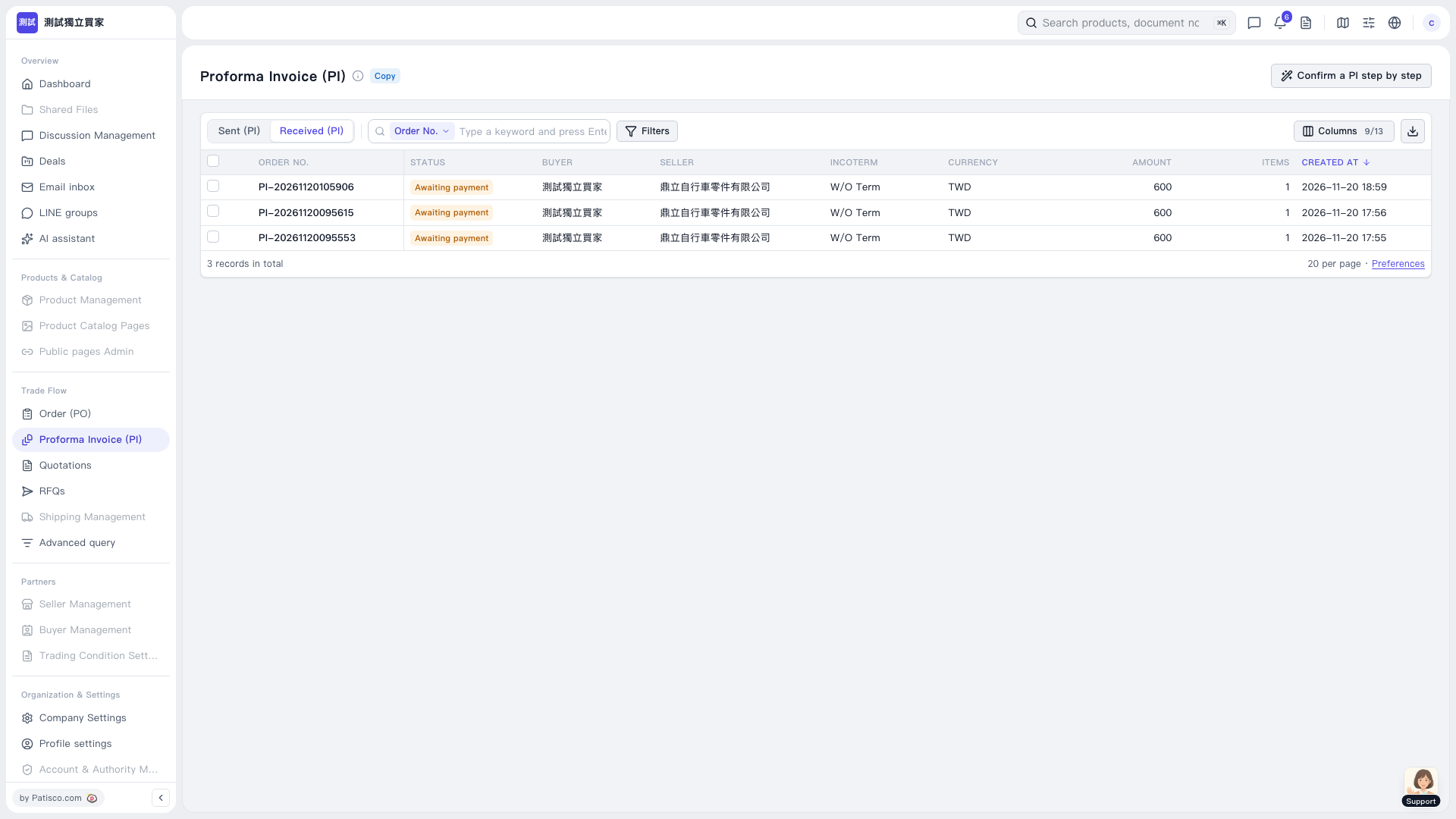 V5 新桌面版|Proforma Invoice (PI)(頁面標題旁有「Copy」標籤)