
1. In the left sidebar, select “Personal Information Settings” under “Organization & Settings”. 2. Find the “Password” row in the “Account Security” section, then click “Change Password” on the right. 3. Follow the instructions on the subsequent screens to complete the password change. 4. After changing your password, you will need to log in again on other devices.
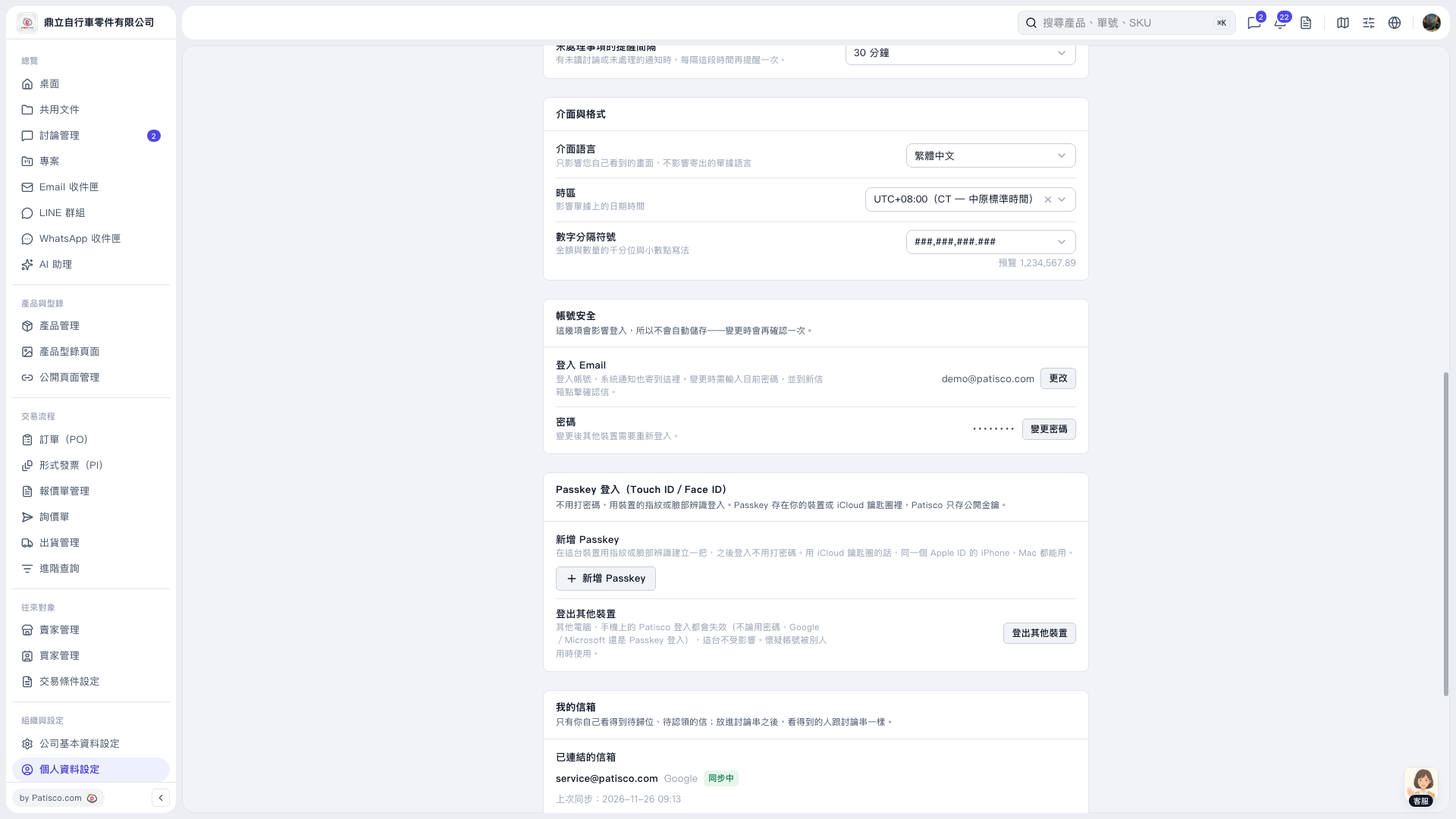 V5 新桌面版|個人資料設定