
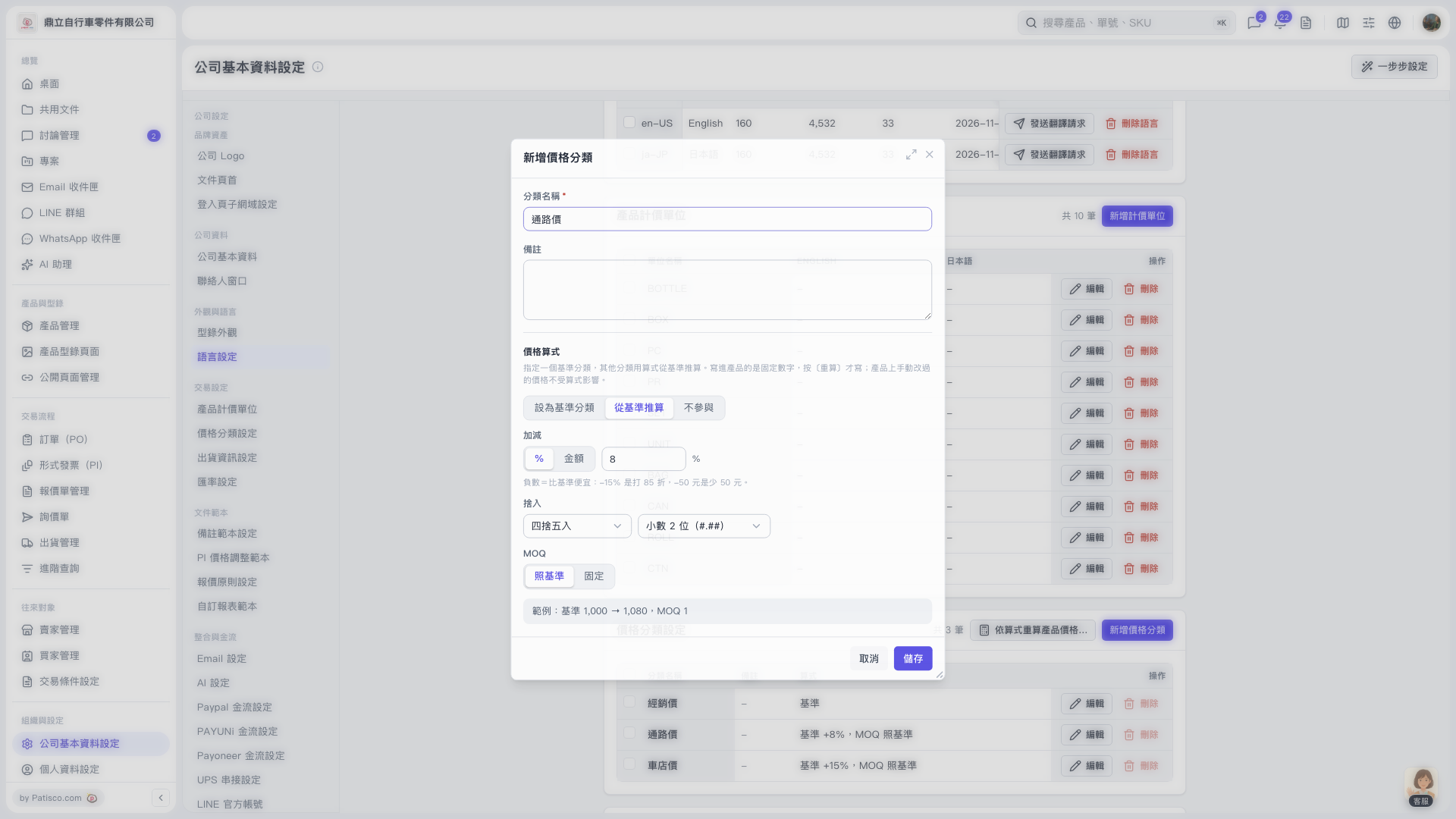
1. Go to the price category list in "Company Profile Settings" and check each category's settings in the "Formula" column. 2. Find the price category you want to change and click [Edit] in that row. 3. Adjust the settings under "Price Formula" and the related fields, then review the "Calculation Example". 4. After confirming the settings, click [Save].
 V5 新桌面版|公司基本資料設定