
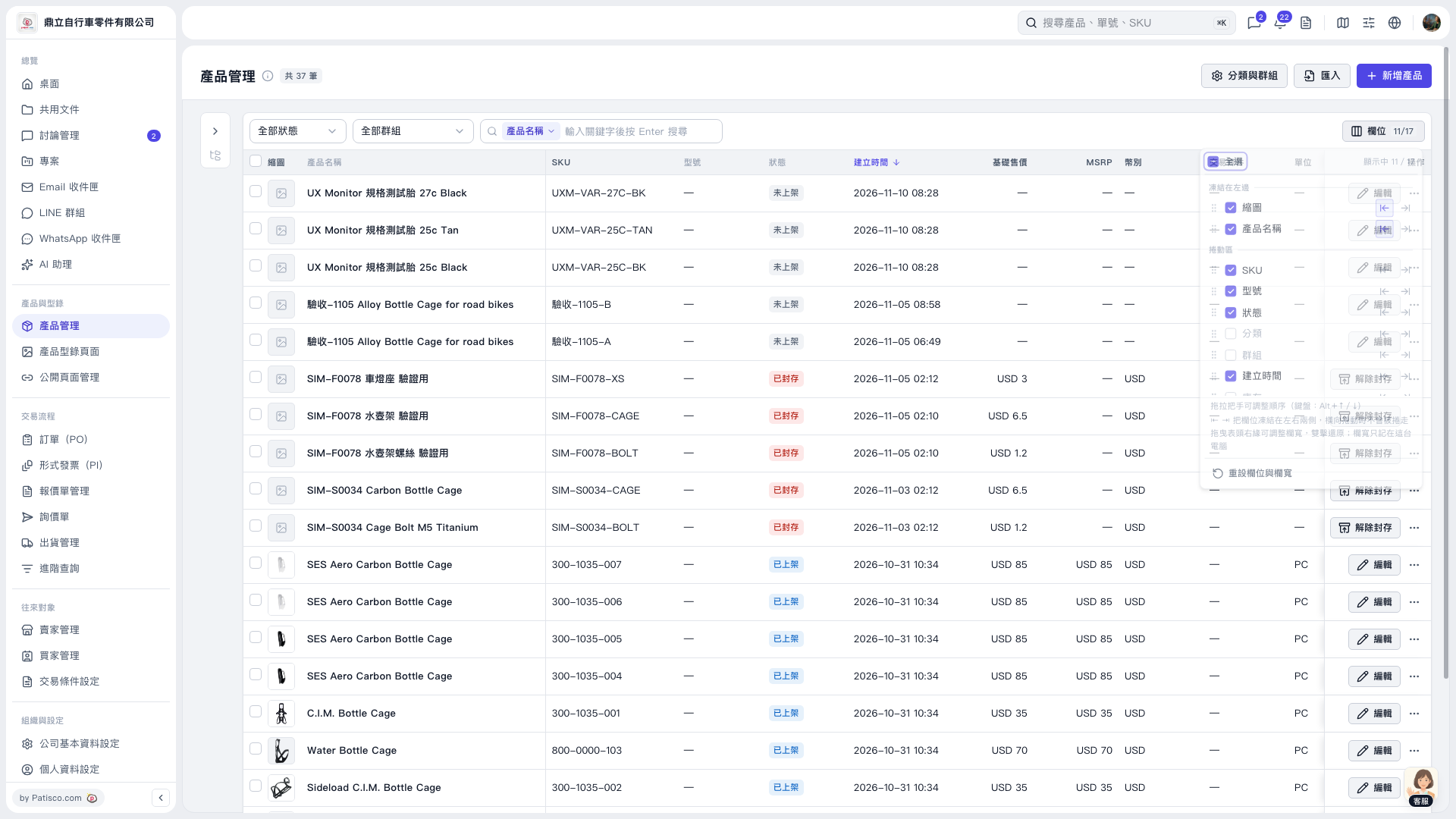
1. Click the “Columns” button at the top right of the list to open the column settings panel. 2. Drag the handle on the left of a column to change its order. You can also use Alt + ↑/↓. 3. Click the left or right arrow on the right of a column to freeze it on the left or right. 4. Drag the right edge of a column header to adjust the column width. Double-click it to reset the width. 5. To reset both the column settings and widths, click “Reset Columns and Column Widths” at the bottom of the panel.
 V5 新桌面版|產品管理