
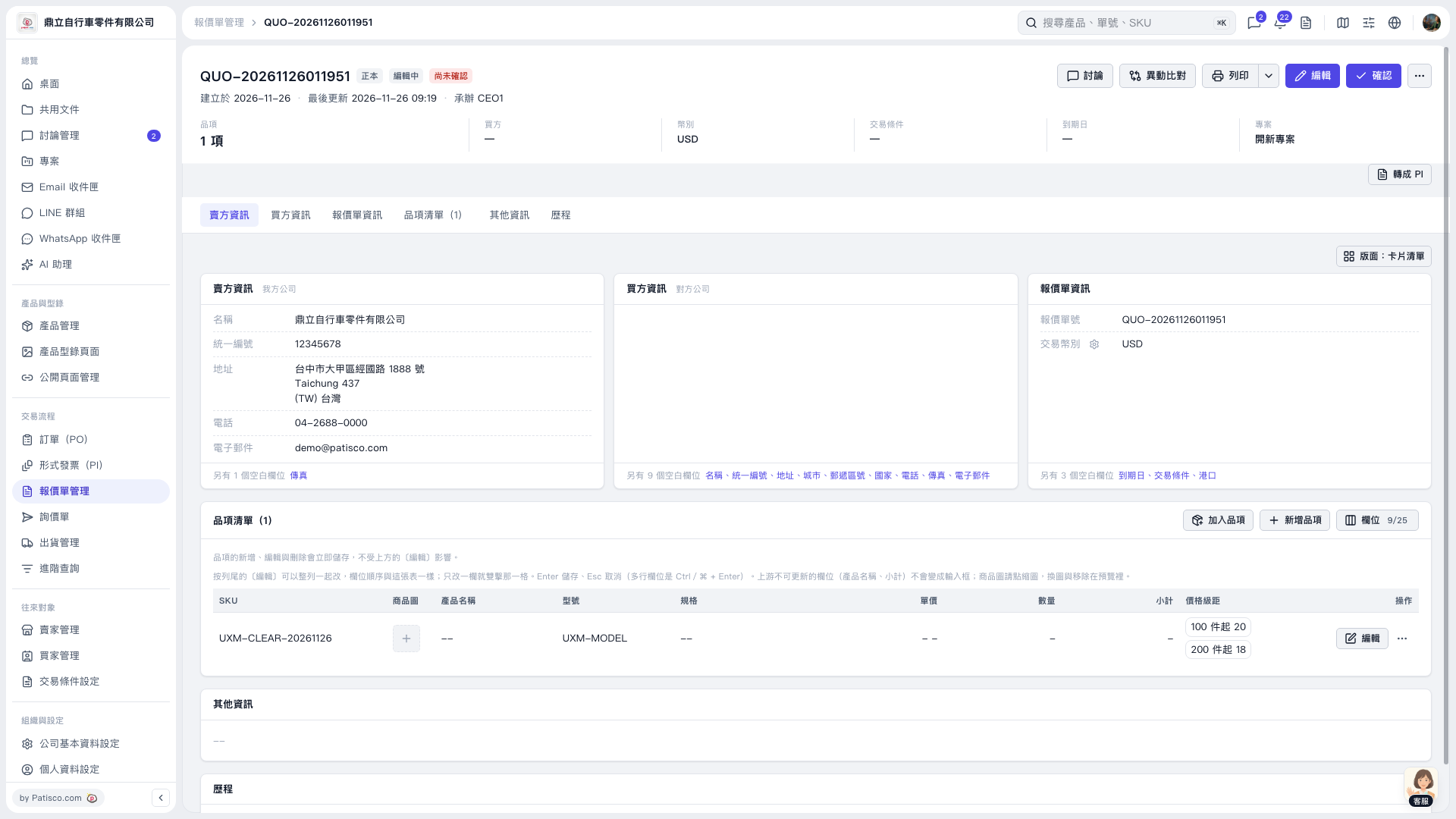
1. In the quotation's item list, find the item you want to change and click [Edit] on the right side of its row. 2. Delete the existing contents of the "Unit Price" and "Quantity" fields, then press Enter to save. To cancel the changes, press Esc. 3. After saving, "Unit Price," "Quantity," and "Subtotal" will display dashes. The existing price breaks will be retained. 4. Item changes are saved immediately and are independent of [Edit] at the top of the page. After checking the quotation details, click [Confirm] in the upper-right corner.
 V5 新桌面版|QUO–20261126011951