
1. Open the quotation you want to print and check the quotation number, seller, buyer, and item details. 2. To change the details, click "Edit" in the upper-right corner. To change only one item, click "Edit" on the right side of that item. 3. Click "Print" in the upper-right corner. To view other print options, click the drop-down arrow next to "Print."
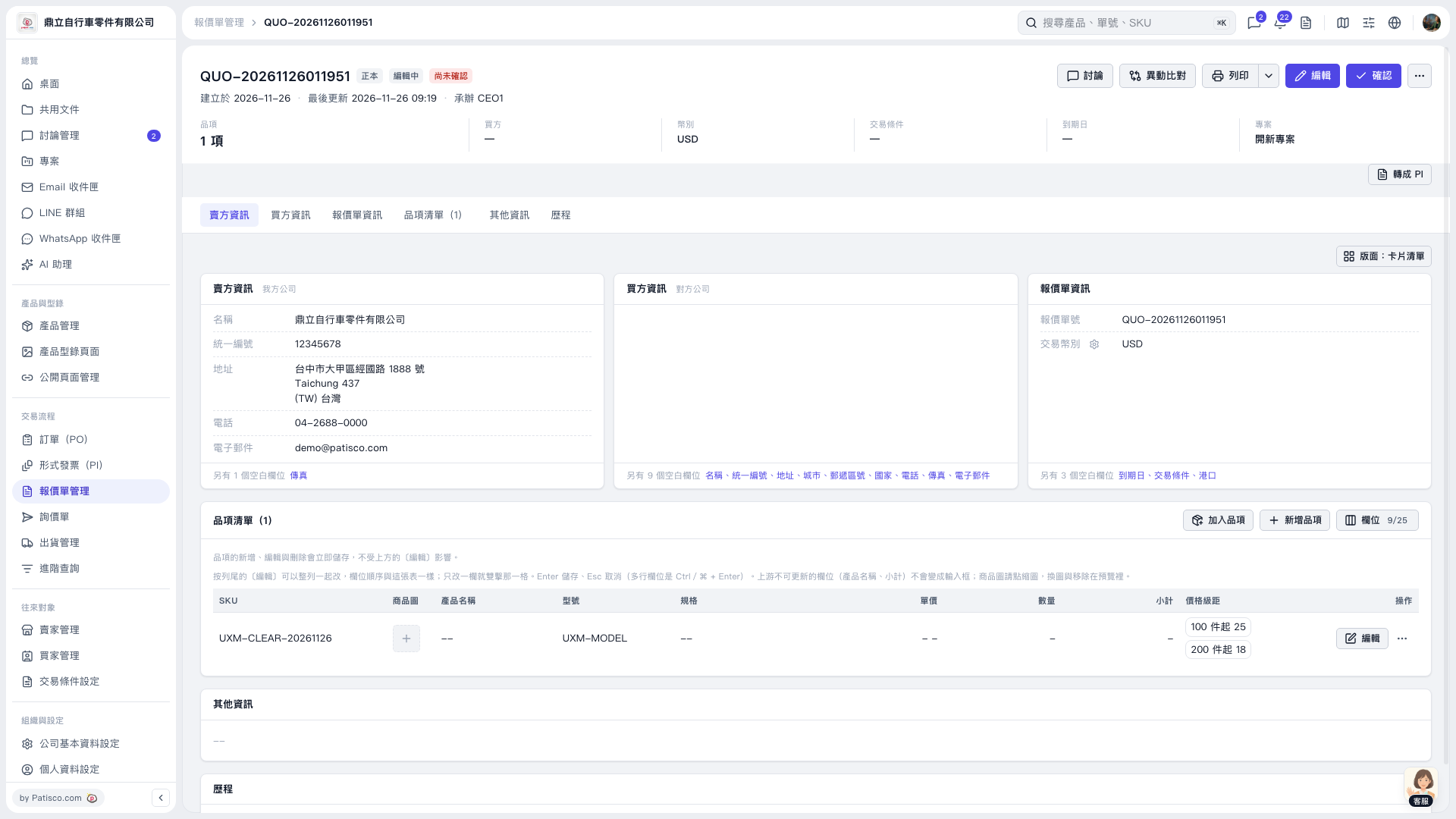 V5 新桌面版|QUO–20261126011951