
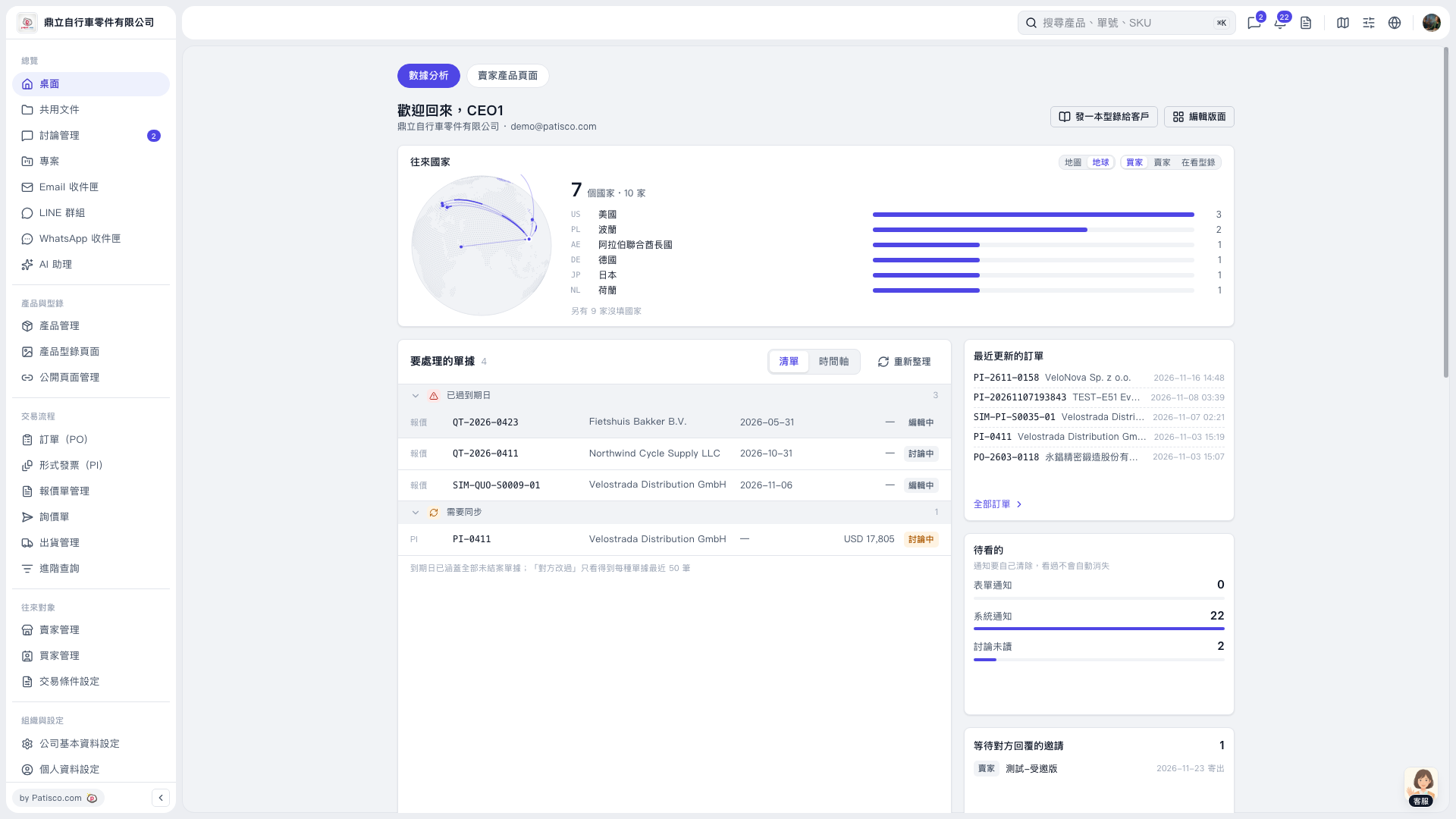
1. In the "Documents to Process" section on the desktop, check documents under "Past Due" and "Needs Sync." 2. Find the document you need to process by "Trading Partner," "Due Date," and "Document Status," then click its "Document Number" to open its contents. 3. After processing the document, return to the desktop and click "Refresh" to update the pending items.
 V5 新桌面版|桌面