
1. On the Packing List page, click [Report] in the upper-right corner to open the print dialog. 2. Make sure [Print HS codes] is checked. This option is checked by default. 3. The HS code is printed on the first line of the Product Name (Product Description) field for each item, without adding a separate column. Items without an HS code will not have an HS code printed. 4. If you do not want to print HS codes, uncheck [Print HS codes].
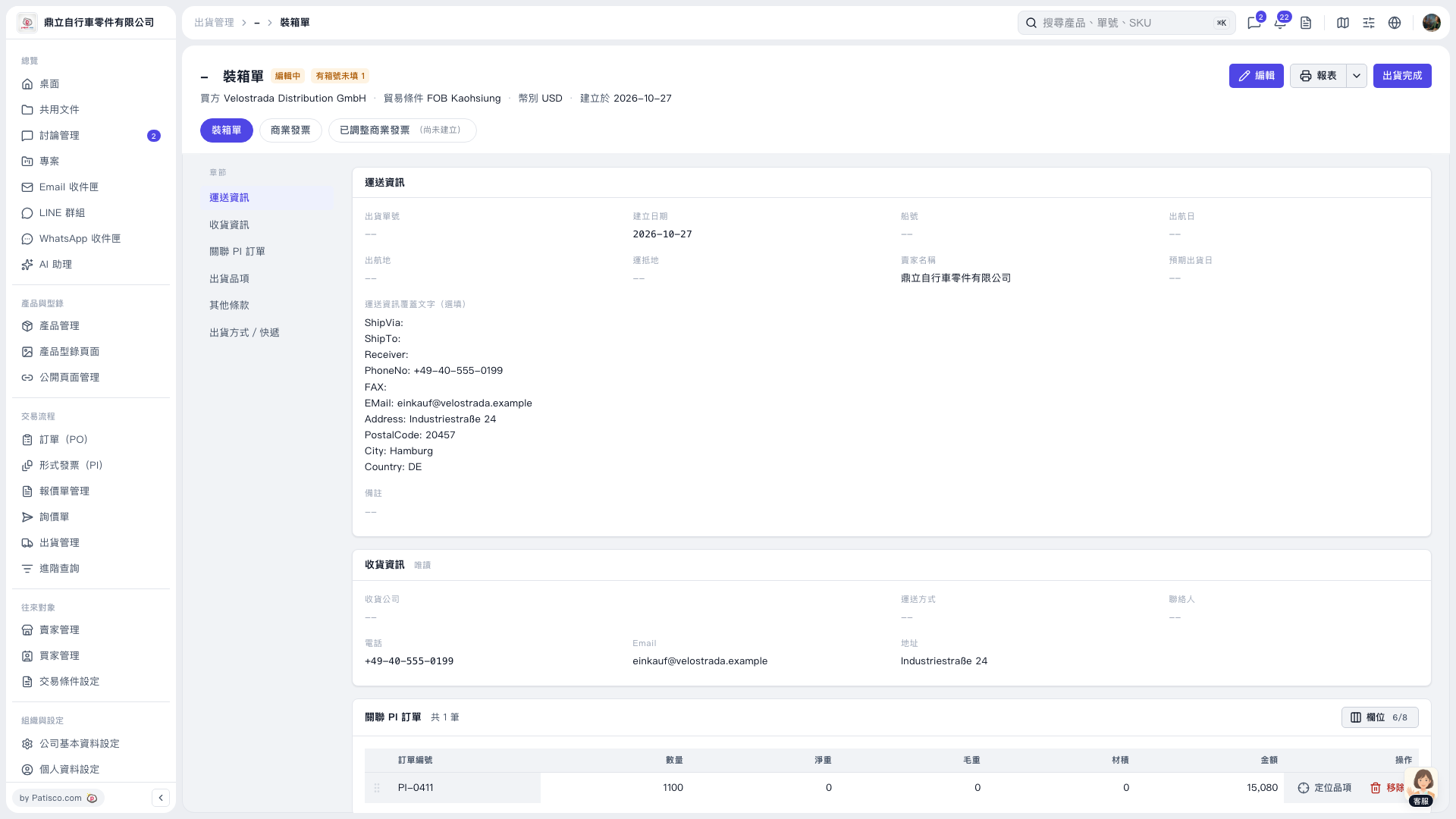 V5 新桌面版|裝箱單