
1. Check whether HS codes have been entered for the items in [Shipment Items]. Items without an HS code will not have an HS code printed. 2. In the row of the item that needs an HS code, click [Edit…] and fill in [HS Code] and [HS Description]. 3. Open [Report] again and make sure [Print HS codes] is checked. If you are using [System Native Version], make sure [Print HS codes] is checked there. 4. If none of the items have an HS code, a yellow notice appears explaining that no HS codes will be printed even if the option is checked.
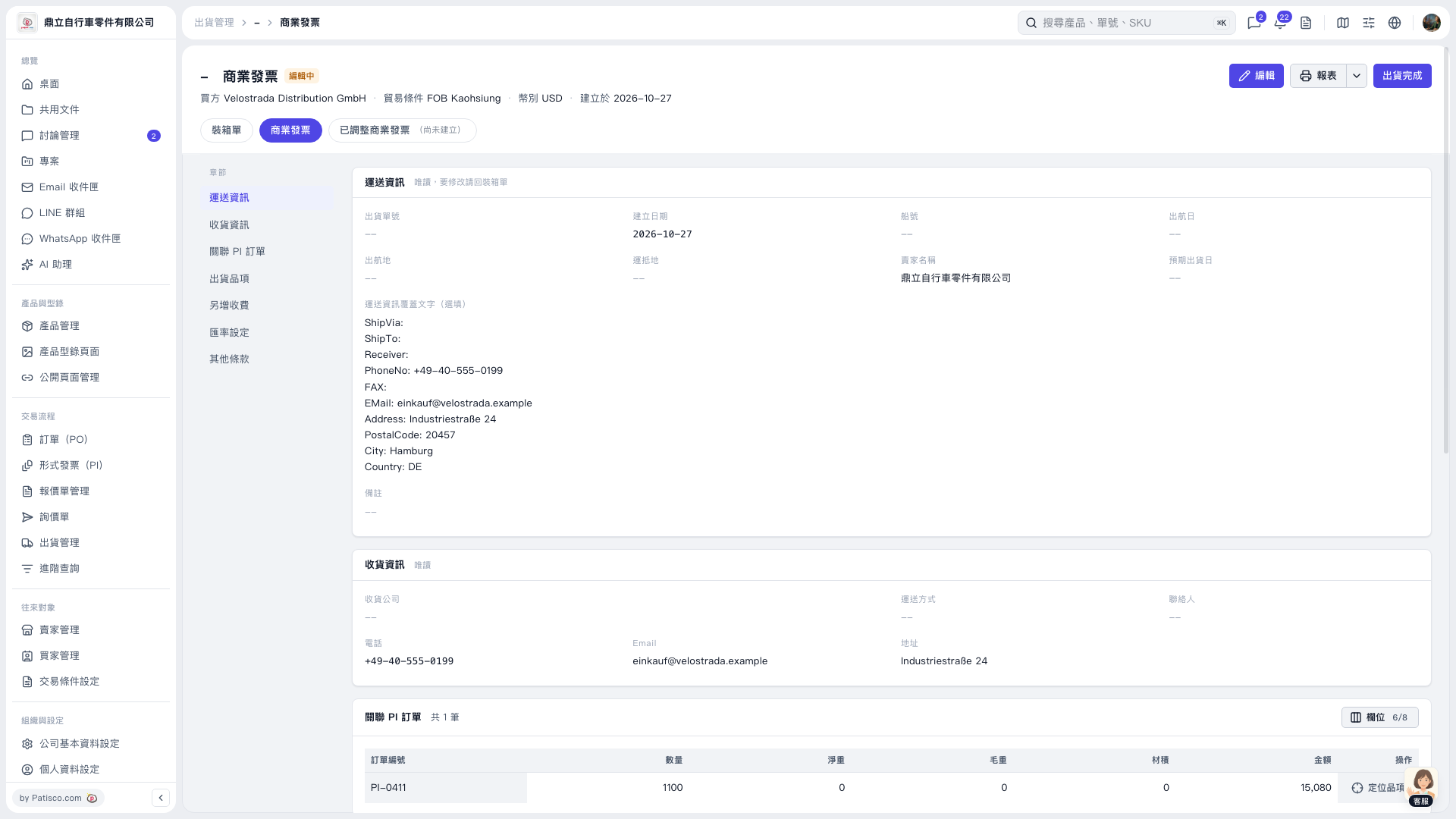 V5 新桌面版|商業發票