
1. Open the Proforma Invoice and click "Shipping Information" at the top. 2. Click "Shipping Method" at the bottom of the shipping information card and enter the shipping method. You can enter up to 20 characters. 3. When finished, click "Save". If you enter 21 characters, "21/20" will be displayed, and clicking "Save" will show a "Maximum 20 characters" message. Shorten the text to 20 characters or fewer and save again.
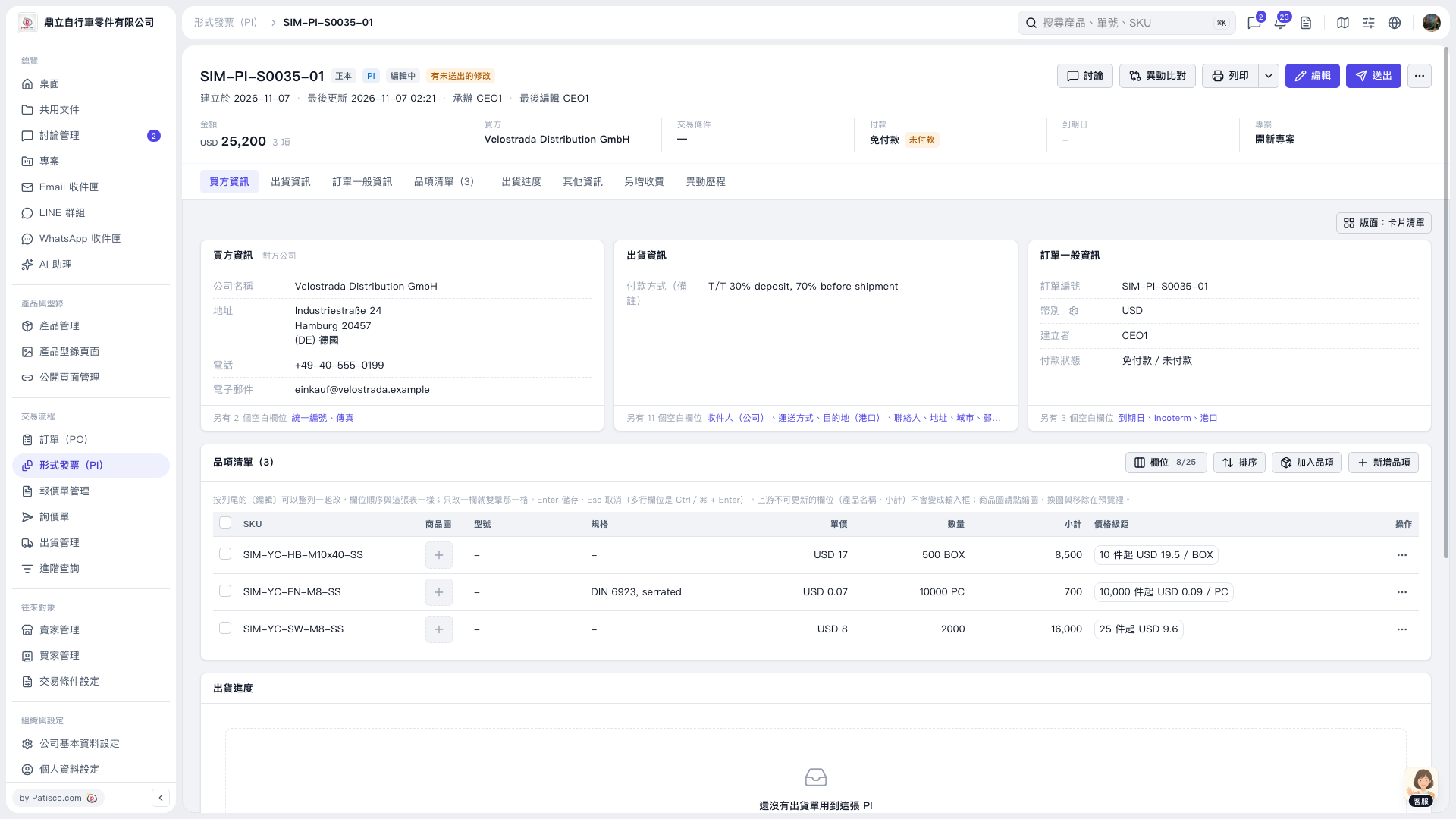 V5 新桌面版|形式發票(PI)SIM–PI–S0035–01