
1. In the Shipping Management list, use “Status: Editing,” keyword search, or “Filter” to find the shipping order you want to ship. 2. Check the “Shipping Order Number” and “Buyer” in that row. 3. Click “UPS Shipping” on the right side of the row to start the UPS shipping process for this shipping order. The “UPS Shipping” button only appears on shipping orders with the “Editing” status.
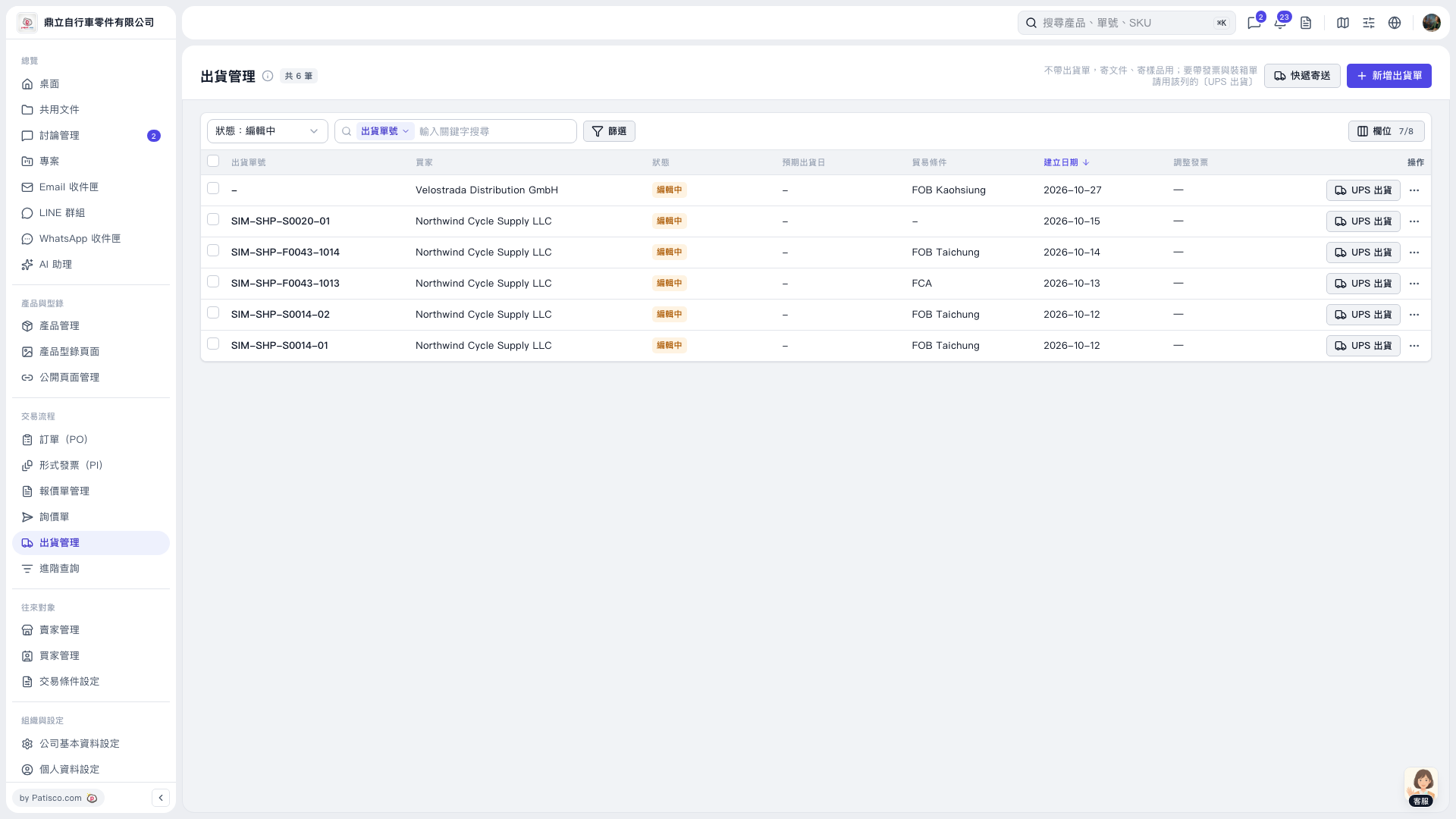 V5 新桌面版|出貨管理