
1. Open the proforma invoice, check the buyer, trading conditions, and PO information, then click “Edit” in the upper-right corner. 2. In the item list, click “Add Item” or “New Item.” To modify existing data, double-click a field as prompted on the screen, then press Enter to save or Esc to cancel. 3. Check the unit prices, quantities, subtotals, and total amount. If there are additional charges, click “Add Additional Charge.” 4. Click “diff view” to review the changes, then click “Send” after confirming.
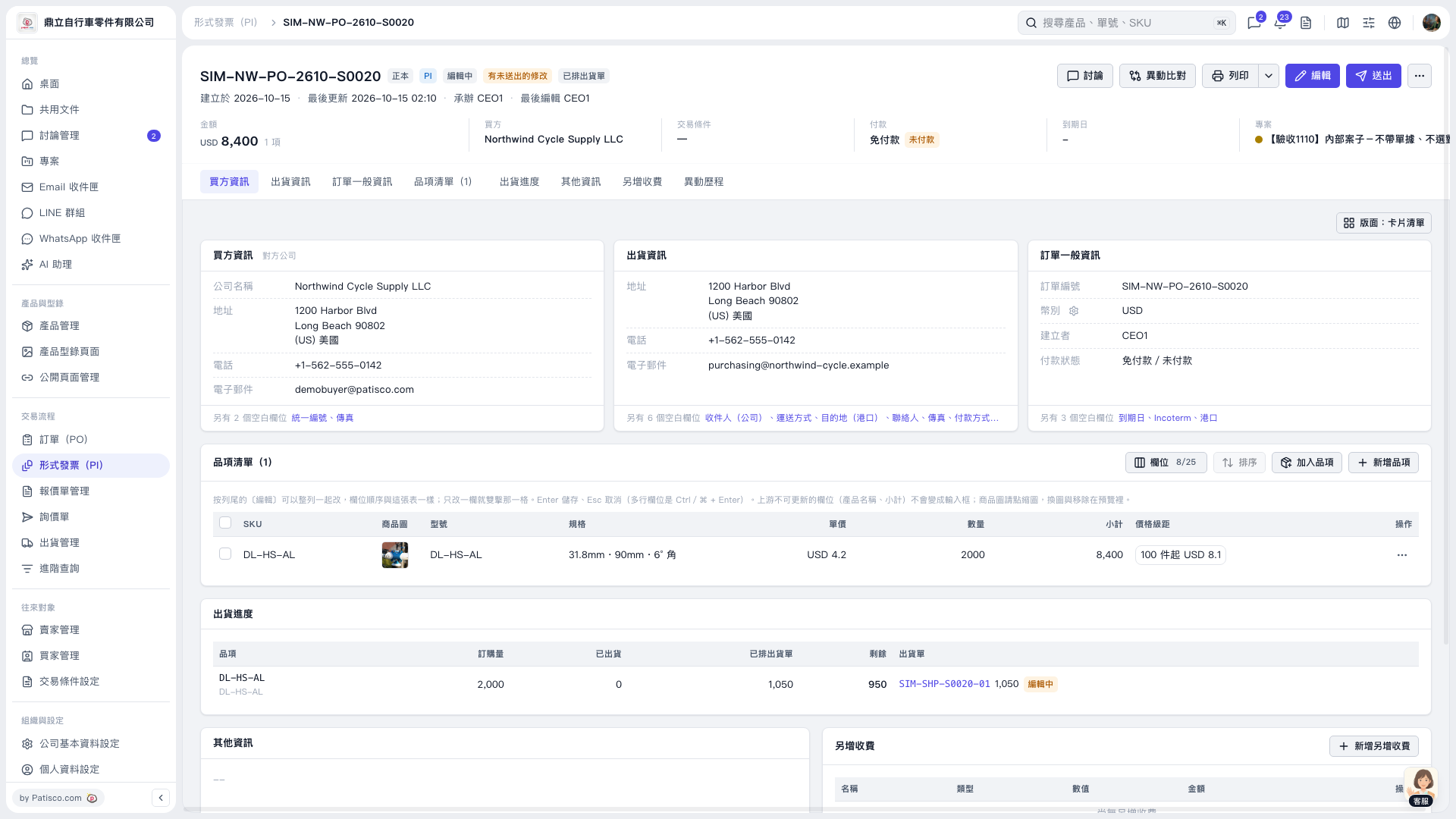 V5 新桌面版|形式發票 SIM–NW–PO–2610–S0020