
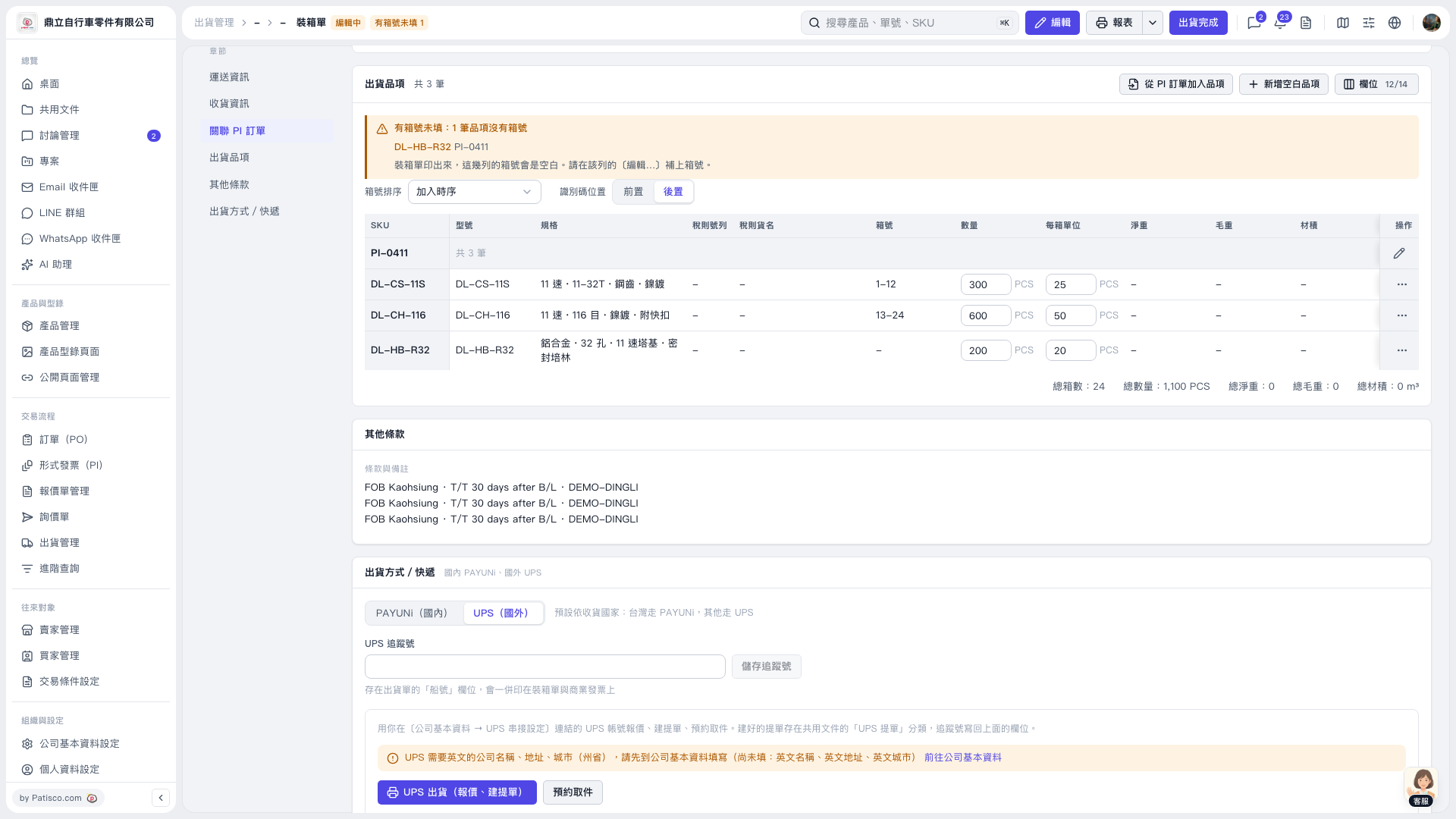
1. In the packing list, select “UPS (International)” under “Shipping Method / Courier,” then click “UPS Shipping (Get a Quote, Create a Waybill).” 2. Describe the goods in this shipment in English, using no more than 50 characters. This description will be printed on the waybill and is required for international UPS shipments. 3. If “Create Waybill” cannot be clicked and a message indicates that company information in English is required, click “Go to Company Basic Information” and complete the company name, address, and city (state/province) in English.
 V5 新桌面版|裝箱單