
1. Find the shipping order you want to ship in Shipping Management, then click “UPS Shipping” on the right side of the row. 2. If “UPS accepts English only: Please change Chinese text to English (pinyin is acceptable) before submitting” appears, follow the message to find fields containing Chinese text, such as the recipient’s “Contact Person (English)” or “City” under “Pickup Location (Sender).” 3. Replace the Chinese text in the indicated fields with English or pinyin, then continue shipping.
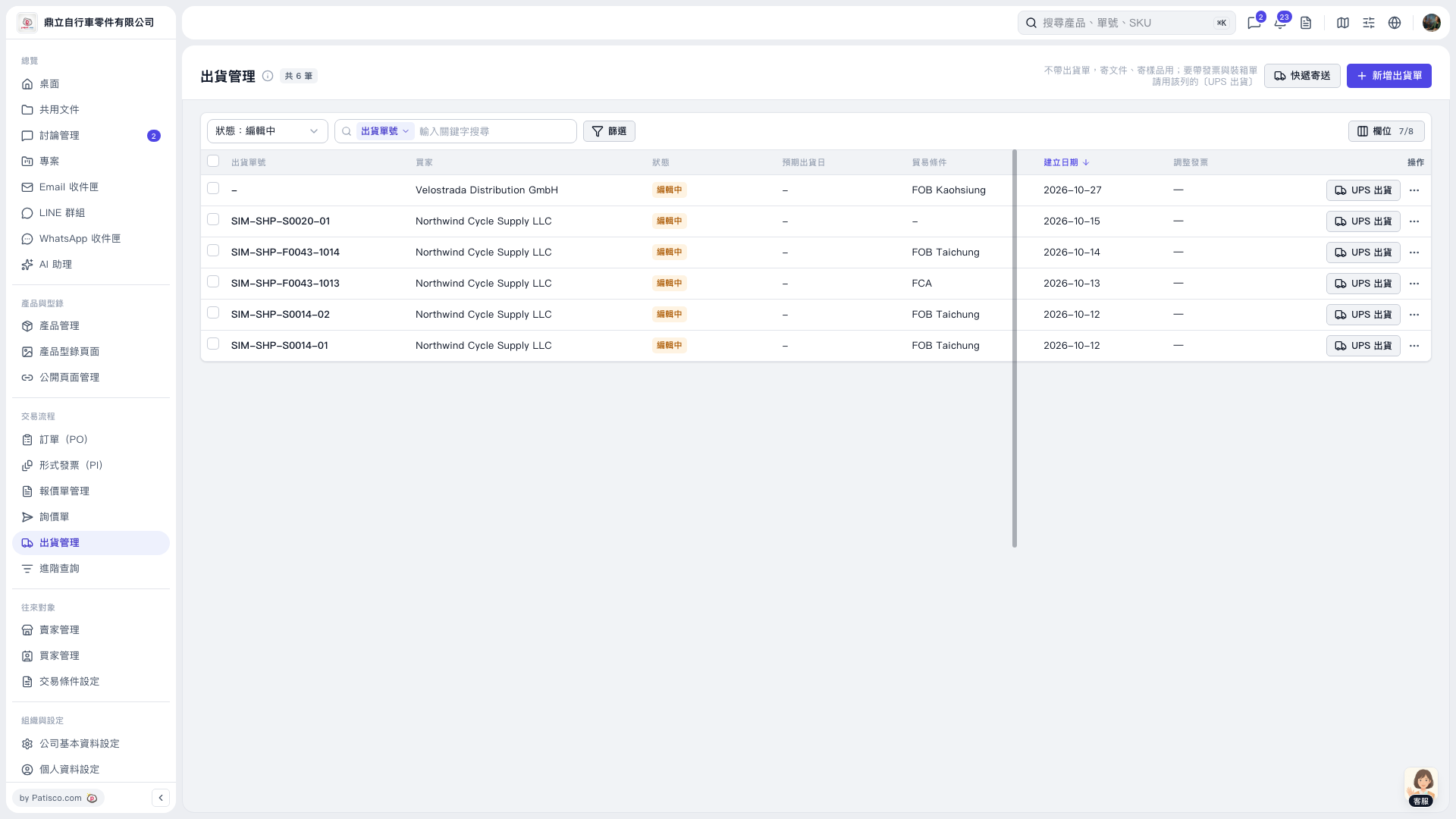 V5 新桌面版|出貨管理