
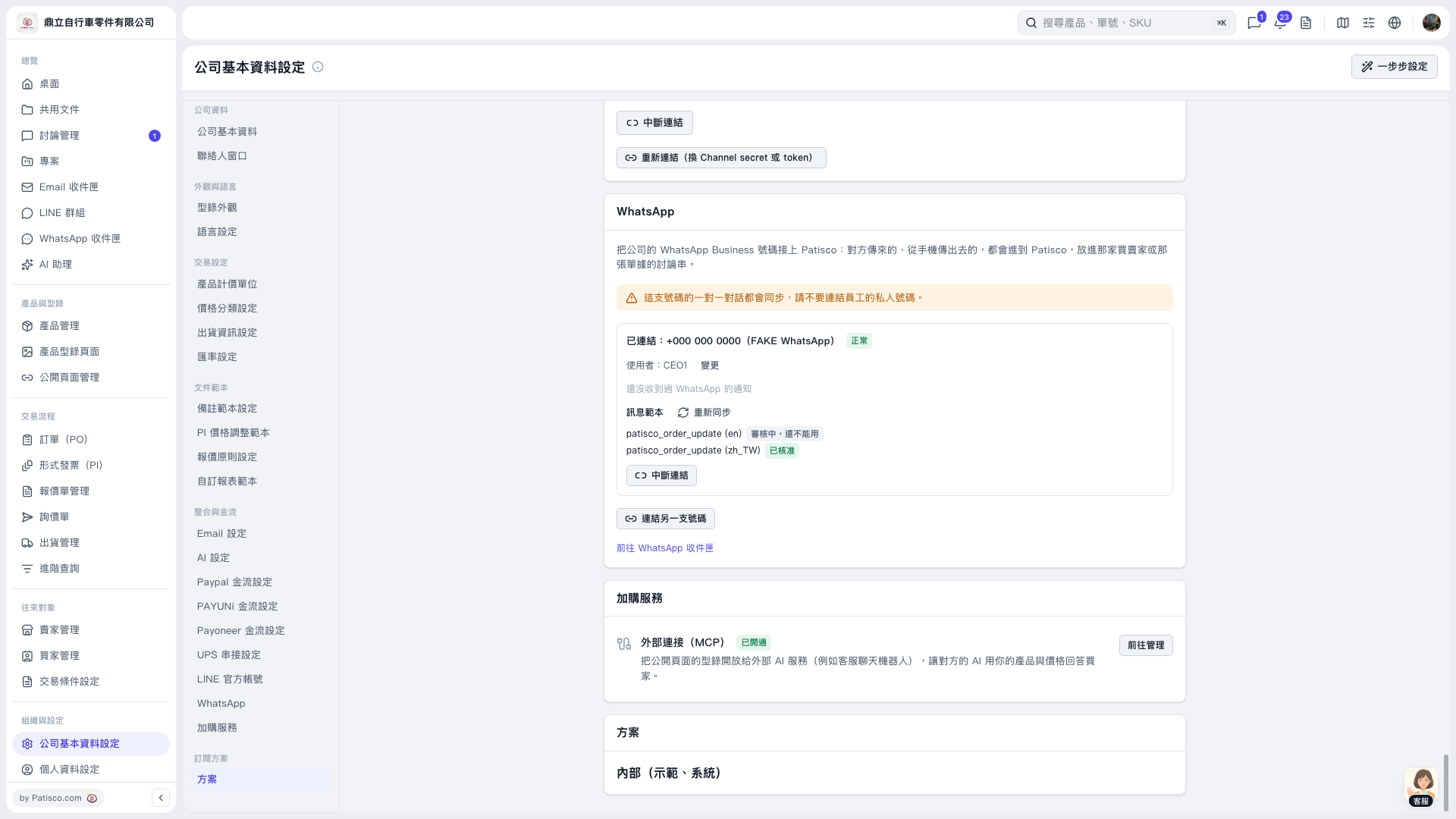
1. Click [Company Information Settings] in the main menu on the left. 2. In the submenu, click [Plan] under the [Subscription] category. The page will scroll down to the [Plan] section. 3. Check your company’s plan name. Any add-on modules will be listed after the plan name. For paid plans, the section also displays the status, contract period, annual fee (excluding tax), current usage and limits for accounts and storage, and renewal reminders based on your company’s information. 4. The [Plan] section is for viewing information only. You cannot change the plan directly here.
 V5 新桌面版|公司基本資料設定