
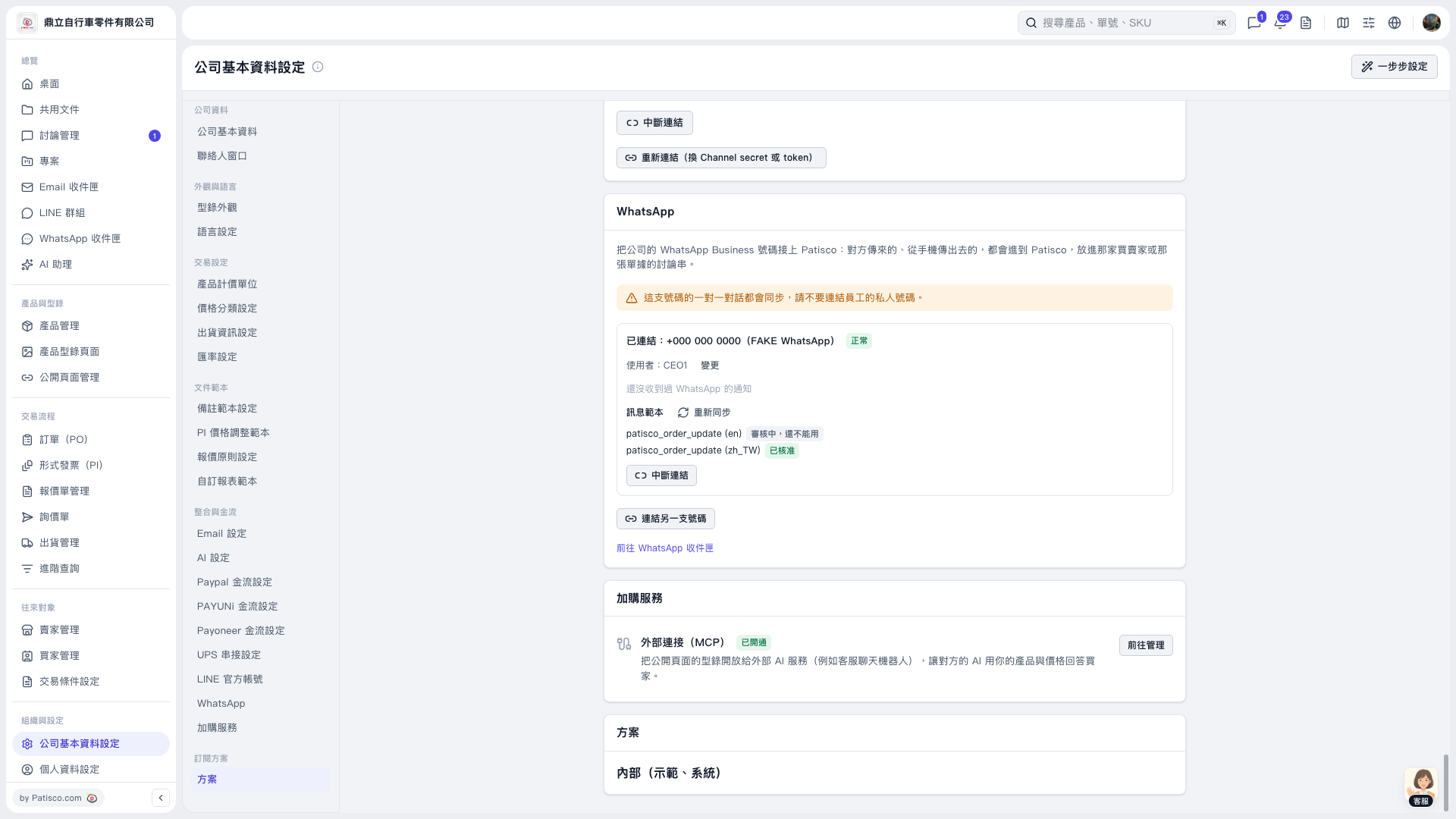
1. Log in with a company administrator account and click [Company Information Settings] in the main menu on the left. 2. In the submenu on the left, click [Plan] under [Subscription]. 3. View your company’s subscription plan information. Only company administrators can see [Plan]. This item does not appear in other colleagues’ menus on the left.
 V5 新桌面版|公司基本資料設定