
1. Ask your company administrator to go to [Company Information], click [Plan] at the bottom of the left navigation, then click [I Want to Adjust My Plan]. 2. Under [What Would You Like to Adjust?], select [Upgrade Plan], [Add Accounts], [Add Storage], [Purchase Additional Modules], or [Other], and enter your requirements in [Description]. Both fields are required. 3. Review the information, then click [Submit Request]. This only sends your request to Patisco and will not immediately trigger a payment or change your plan. The adjustment will be made after Patisco confirms the details and fees with you. 4. You can ask AI: “How do I request more accounts?” AI will respond: “Ask your company administrator to go to [Plan] under [Company Information], click [I Want to Adjust My Plan], select [Add Accounts], fill in [Description], then click [Submit Request].”
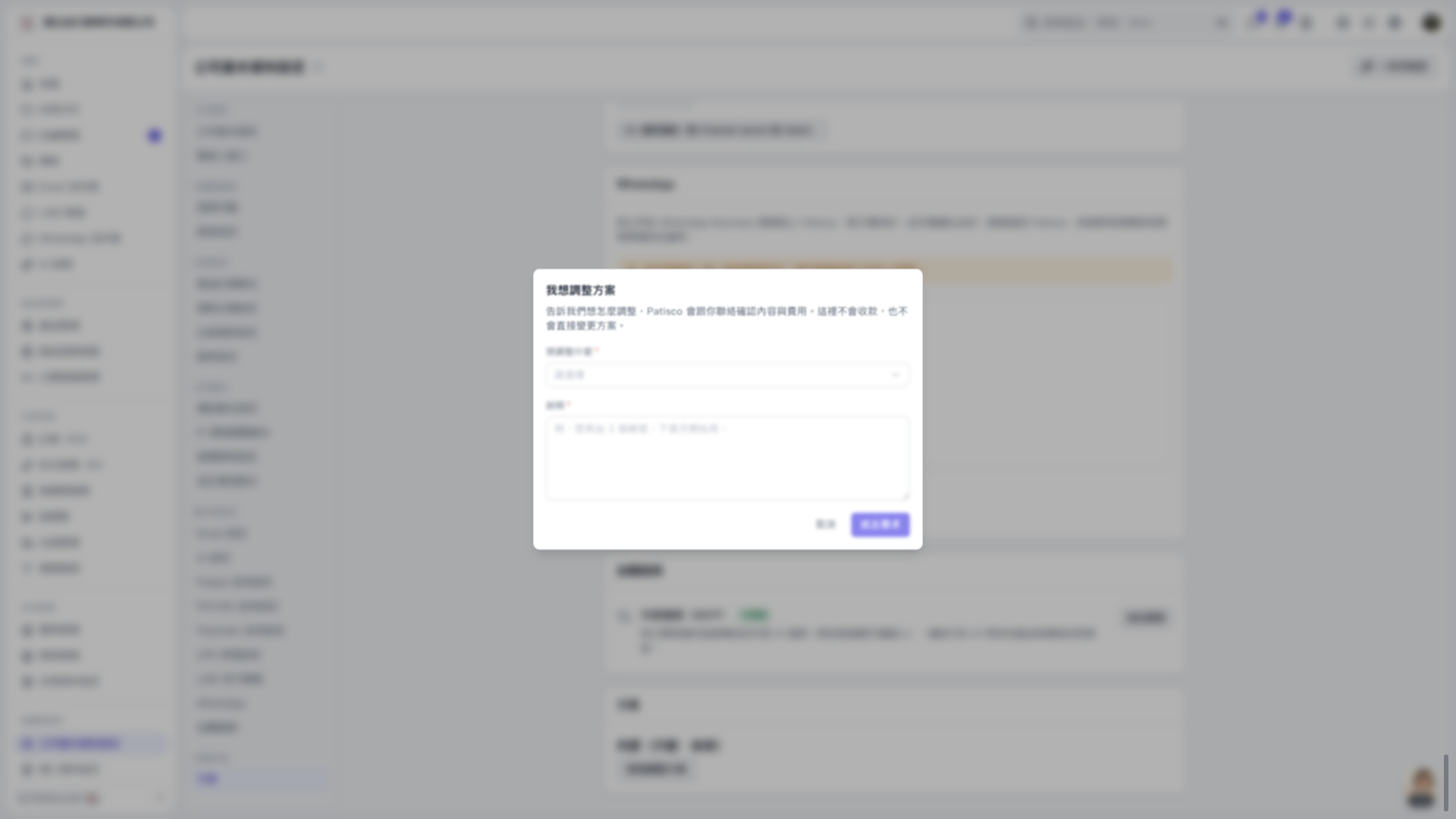 V5 新桌面版|公司基本資料(目前開啟「我想調整方案」視窗,背景標題模糊)