
1. In “Personal Profile Settings”, open “Passkey (Touch ID / Face ID)”. 2. Select “Add Passkey” and follow your device’s or browser’s prompts to create a passkey and verify your identity. 3. When the “Passkey added” message appears, confirm that the new passkey is shown in the “Registered Passkeys” list. If it has not yet been used to log in, it will show “Not yet used to log in”. 4. Select “Done” in the upper-right corner to close the passkey management window.
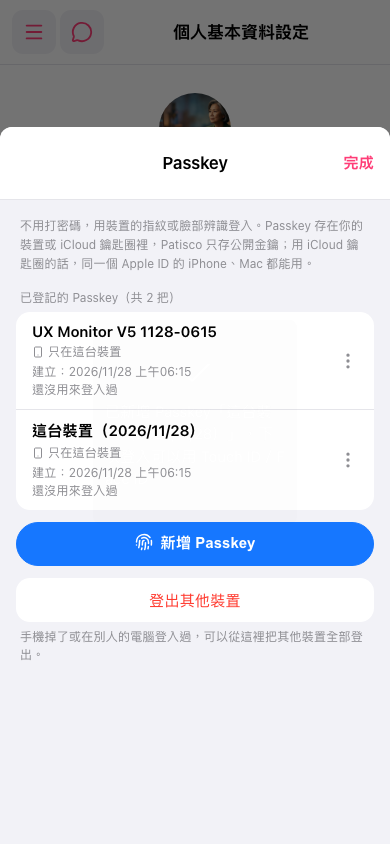 手機版|個人基本資料設定-Passkey