
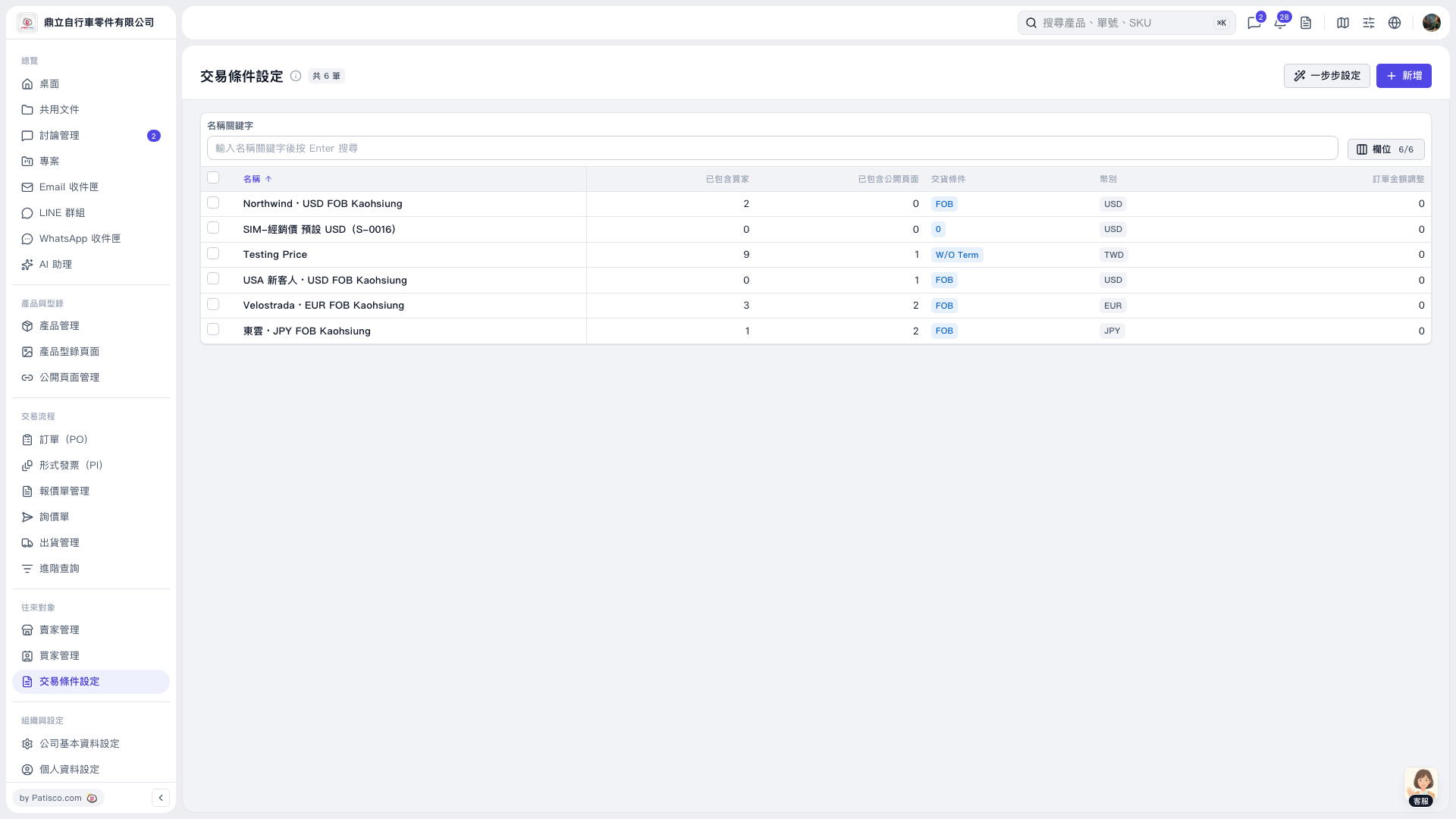
1. In the left-side business contacts section, click “Trading Condition Setting”. 2. To create trading conditions directly, click [Add] in the upper-right corner. 3. For guided setup, click [Step-by-step Setup] to the left of [Add]. The system will guide you through setting up trading conditions step by step. 4. Follow the instructions on the subsequent screens to complete the setup.
 V5 新桌面版|交易條件設定