
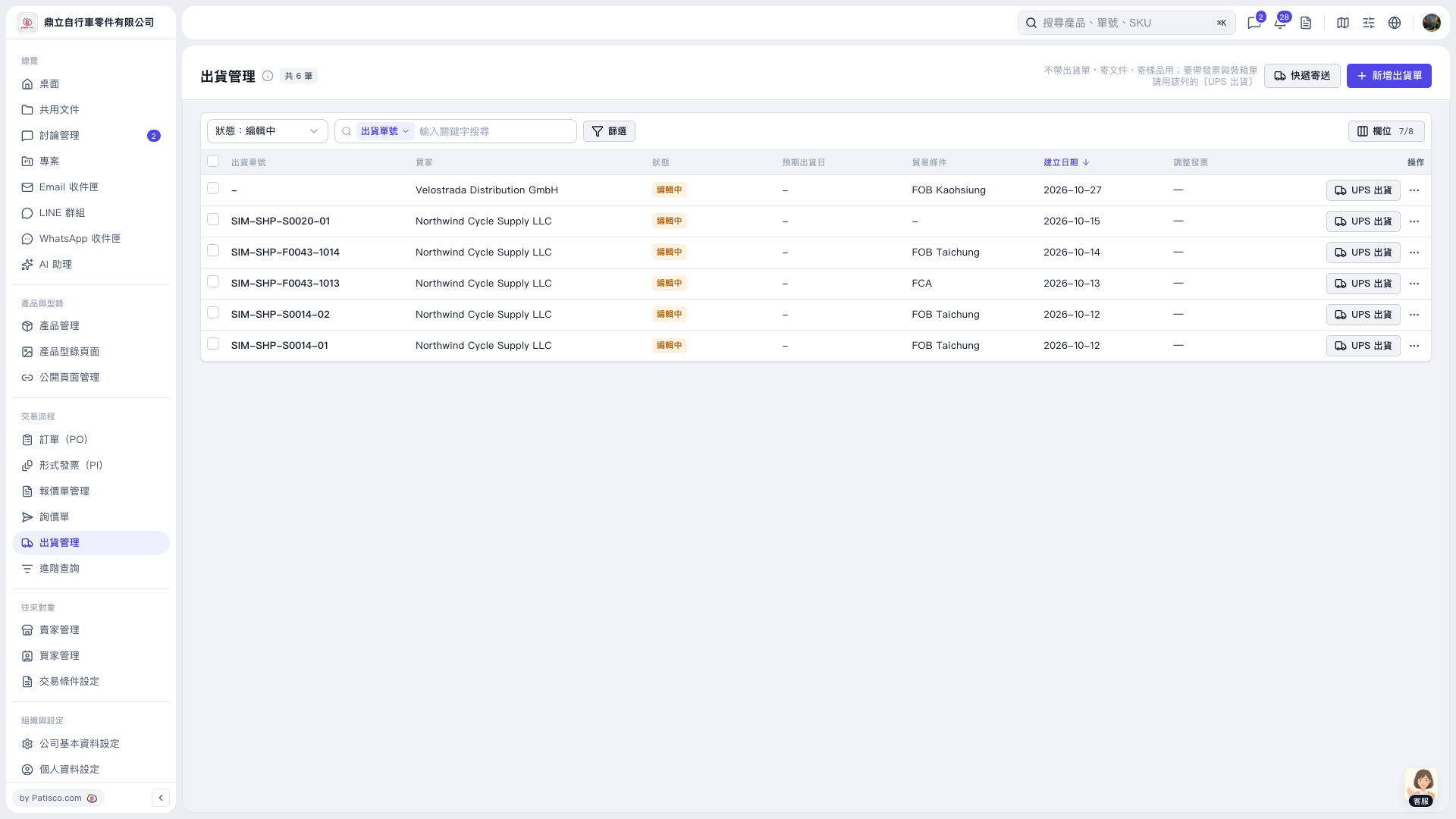
1. Open the “Shipping Management” page in the new V5 desktop version (https://v5.patisco.com/shp). 2. Click [Add Shipping Document] in the upper-right corner to start creating a new shipping document. 3. If you are sending documents or samples without a shipping document, click [Express Shipping] in the upper-right corner instead.
 V5 新桌面版|出貨管理