
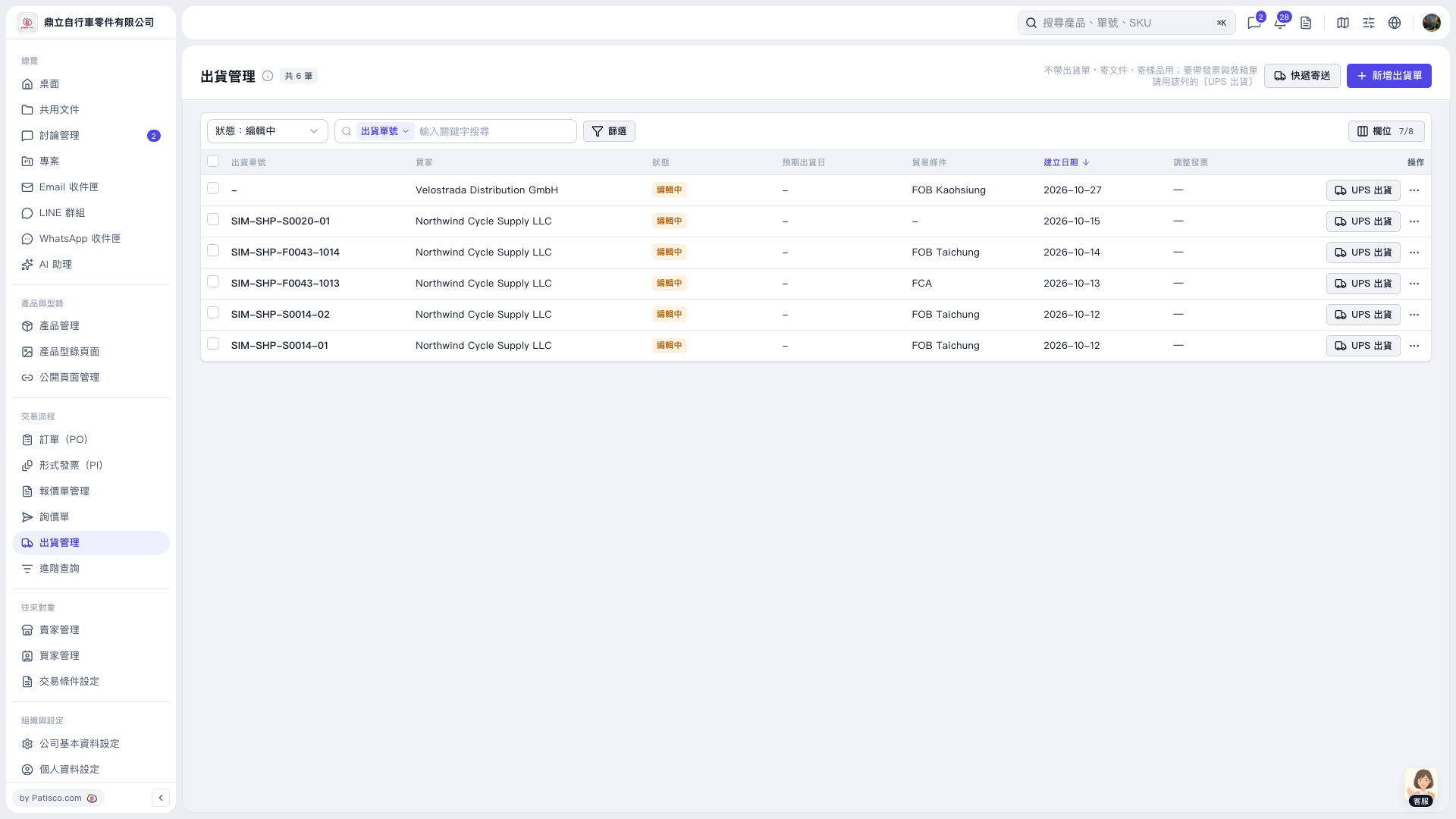
1. Use the “Status” menu above the list on the left to select the status of the shipping documents you want to display. The default is “Status: Editing”. 2. Select a search field to the left of the search box, such as “Shipping Document Number”, then enter a keyword. 3. For more detailed criteria, click [Filter] to the right of the search box. 4. Check the buyer, status, and trade terms of the entry in the list. 5. If the list does not show all the fields you need, click [Columns] in the upper-right area to adjust which columns are displayed. Click the “Created Date” heading to change the sort order. By default, entries are sorted from newest to oldest.
 V5 新桌面版|出貨管理