
1. Open the “Shipping Management” page in V5. 2. Click [Express Shipping] in the upper-right corner. This starts the express shipping process without a shipping document and can be used to send documents or samples. 3. Follow the on-screen instructions to enter the shipping details and complete the remaining steps. You can ask the AI assistant, “Where is the Express Shipping button?” The AI will reply, “In the upper-right corner of the Shipping Management page.”
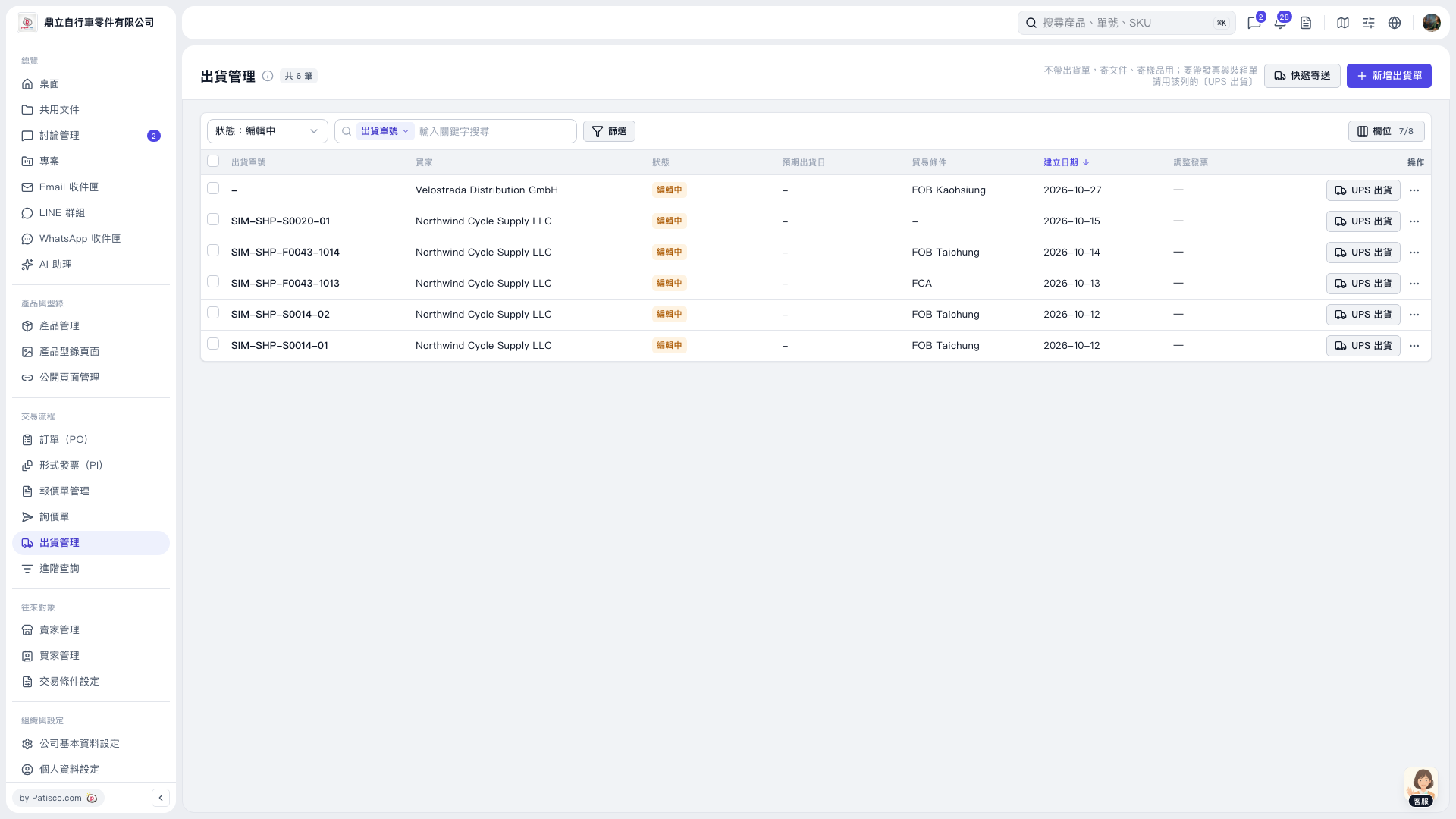 V5 新桌面版|出貨管理