
1. Open the “Company Basic Information Settings” page. 2. To set the company logo, click [Upload Logo] in the “Company Logo” section in the center and select a JPG or PNG image. This feature does not support cropping, so adjust the image before uploading it. 3. To set the document header, click [Upload Image] in the “Document Header” section. You can view a preview after uploading. 4. To remove an image, click [Remove] to the right of the upload button in the corresponding section.
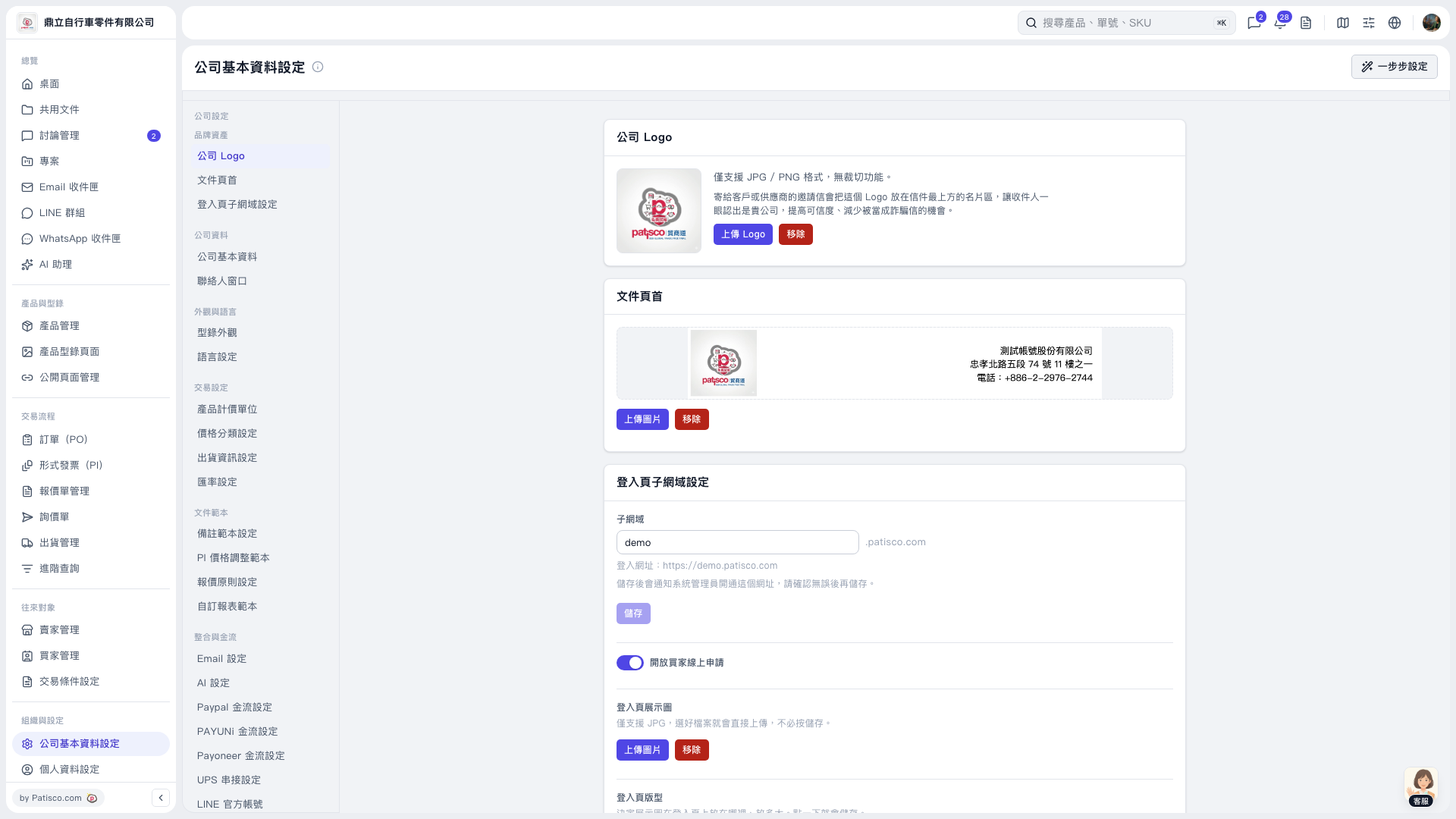 V5 新桌面版|公司基本資料設定