
1. On the “Company Basic Information Settings” page, go to the “Login Page Subdomain Settings” section and enter a name for the login page in the “Subdomain” field. 2. Check the “Login URL” shown below, then click [Save]. After saving, the system will notify the system administrator to activate the URL. 3. Toggle [Allow Online Buyer Applications] as needed to determine whether buyers can apply online. 4. To set the login page display image, go to the “Login Page Display Image” section near the bottom of the page, click [Upload Image], and select a JPG file. The file uploads as soon as you select it; you do not need to click [Save]. 5. To remove the display image, click [Remove] to the right of [Upload Image].
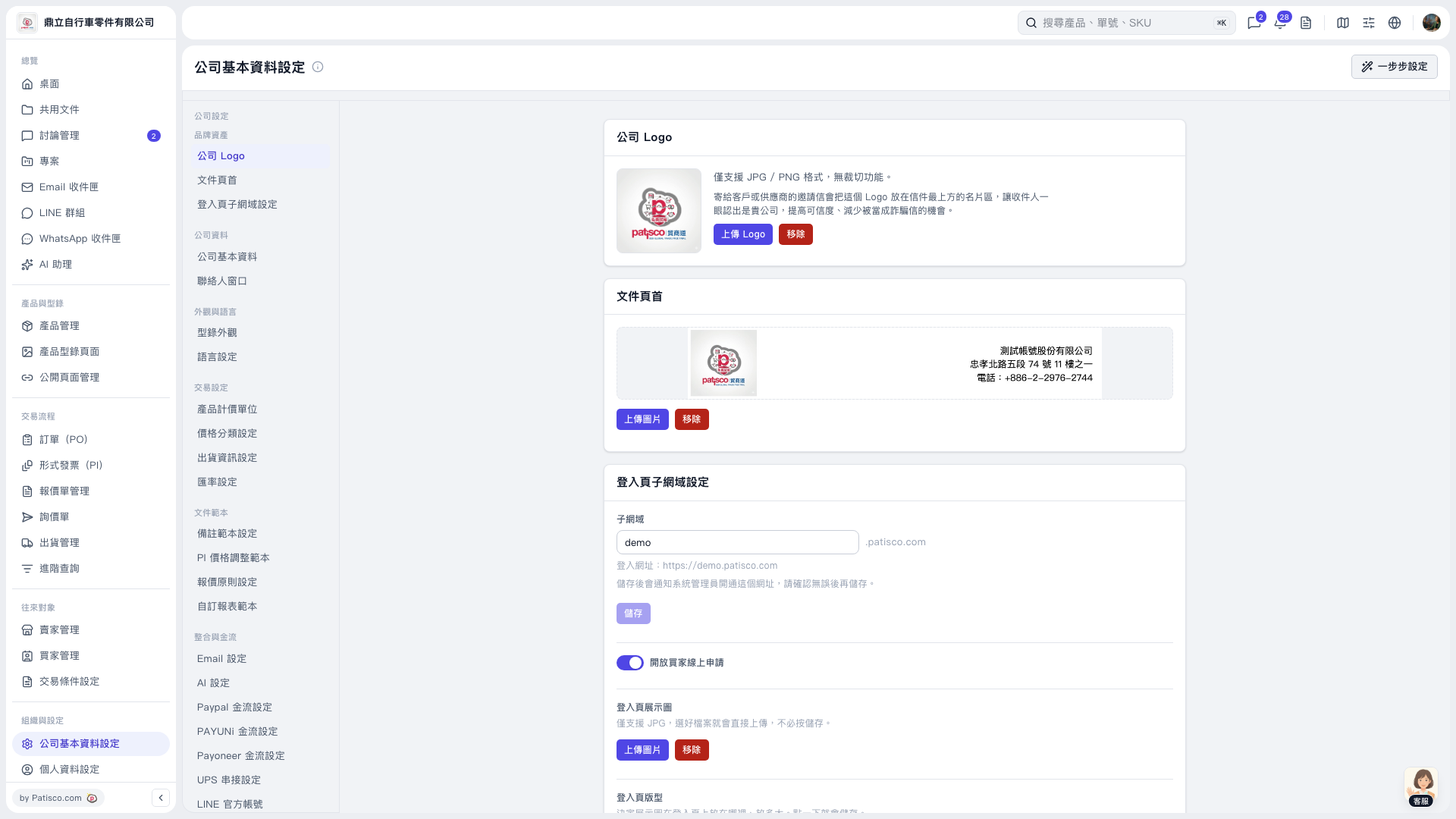 V5 新桌面版|公司基本資料設定