
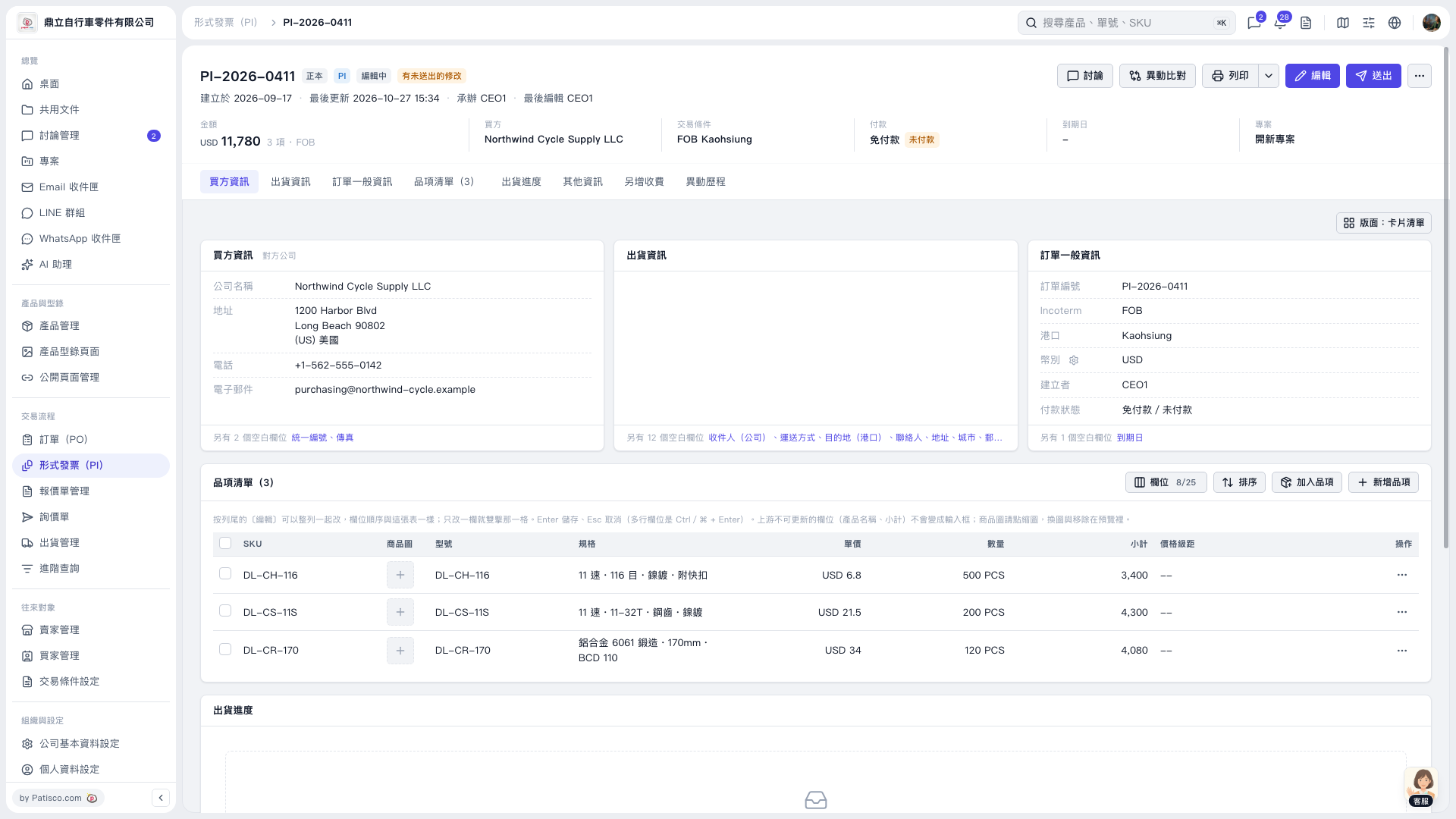
1. Open the Proforma Invoice you want to work on, then open the AI assistant. 2. You can ask, “Get the payment link for this Proforma Invoice.” 3. The AI may reply that the payment link is “not available”, possibly because the document has already been paid or archived. 4. If you receive this response, return to the Proforma Invoice page and check the “Payment” summary at the top and “Payment Status” under “General Order Information” to confirm whether the document has been paid, requires no payment, or has been archived.
 V5 新桌面版|PI–2026–0411