
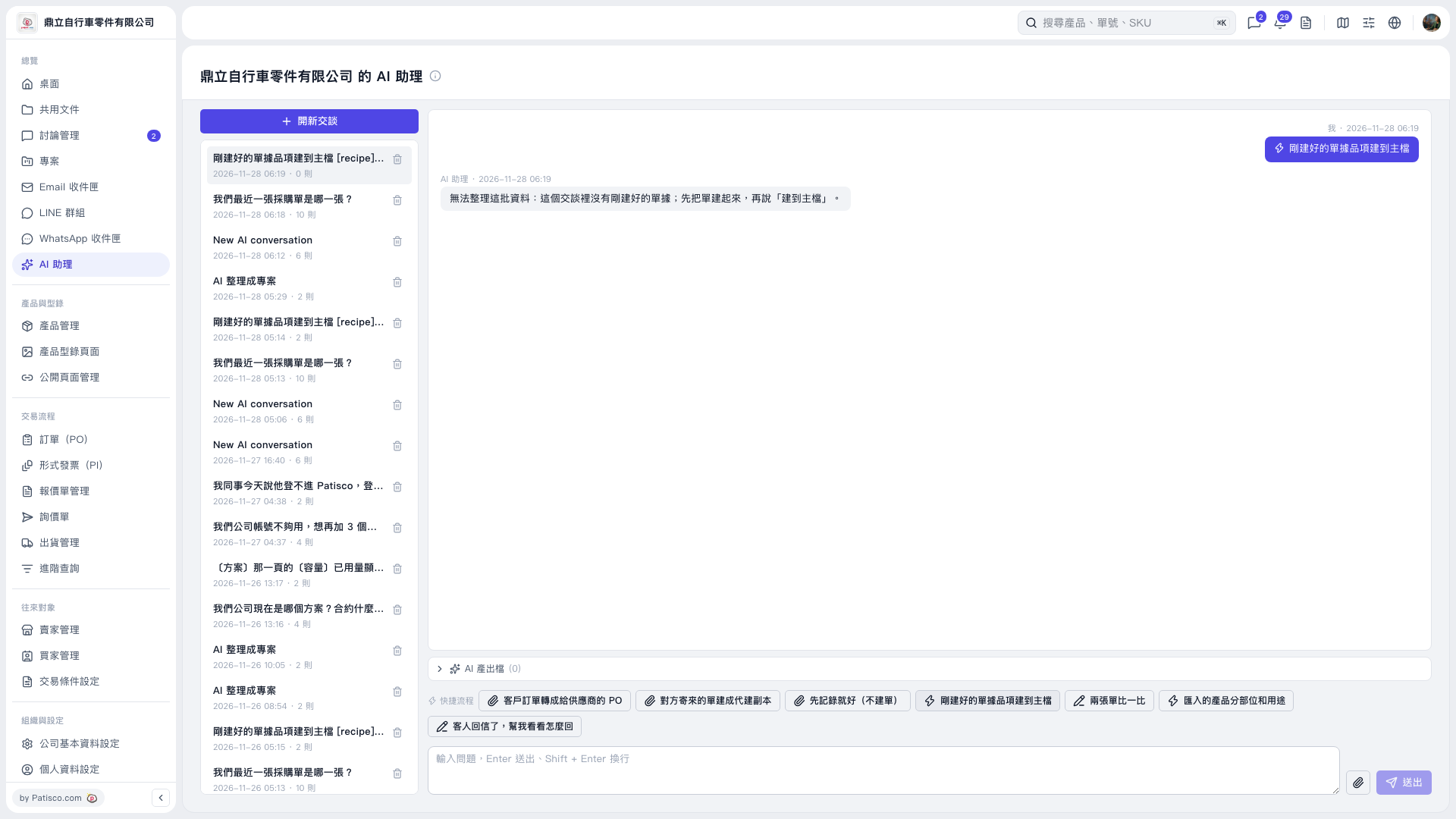
1. Click “AI assistant” in the left menu to open the page. 2. Click “New conversation” at the top of the conversation list on the left to create a new conversation. 3. First, create the document in the same conversation. For example, ask AI to create a PO, or upload a document file. 4. After the document has been created, click “Add items from the newly created document to the product master” in the “Quick workflows” row above the message box. 5. Wait for AI to process it, then review its response and the expandable “AI-generated files” section above the input area. The quick workflow row also includes “Convert a customer PO into a PO for the supplier,” “Create a copy on behalf of the other party from the document they sent,” “Just record it (do not create a document),” and “Compare two documents.” Select one as needed.
 V5 新桌面版|鼎立自行車零件有限公司 的 AI 助理