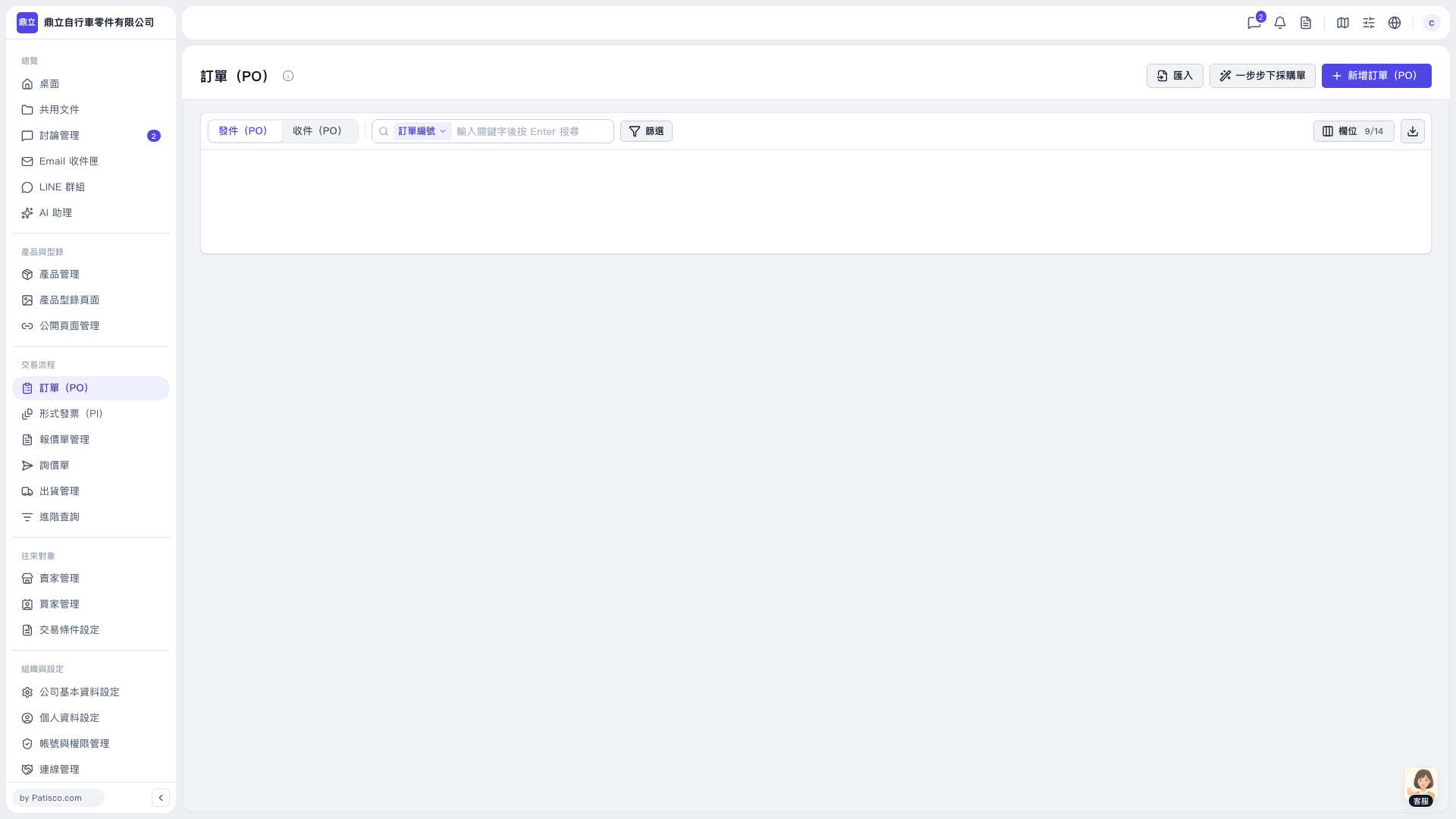
1. Click “PO” under “Trading Process” in the left sidebar to open the page. 2. Use the tabs above the list. Click “Sent (PO)” to see POs you have sent, or “Received (PO)” to see POs you have received.
 V5 新桌面版|訂單(PO)

1. Click “PO” under “Trading Process” in the left sidebar to open the page. 2. Use the tabs above the list. Click “Sent (PO)” to see POs you have sent, or “Received (PO)” to see POs you have received.
V5 新桌面版|訂單(PO)