
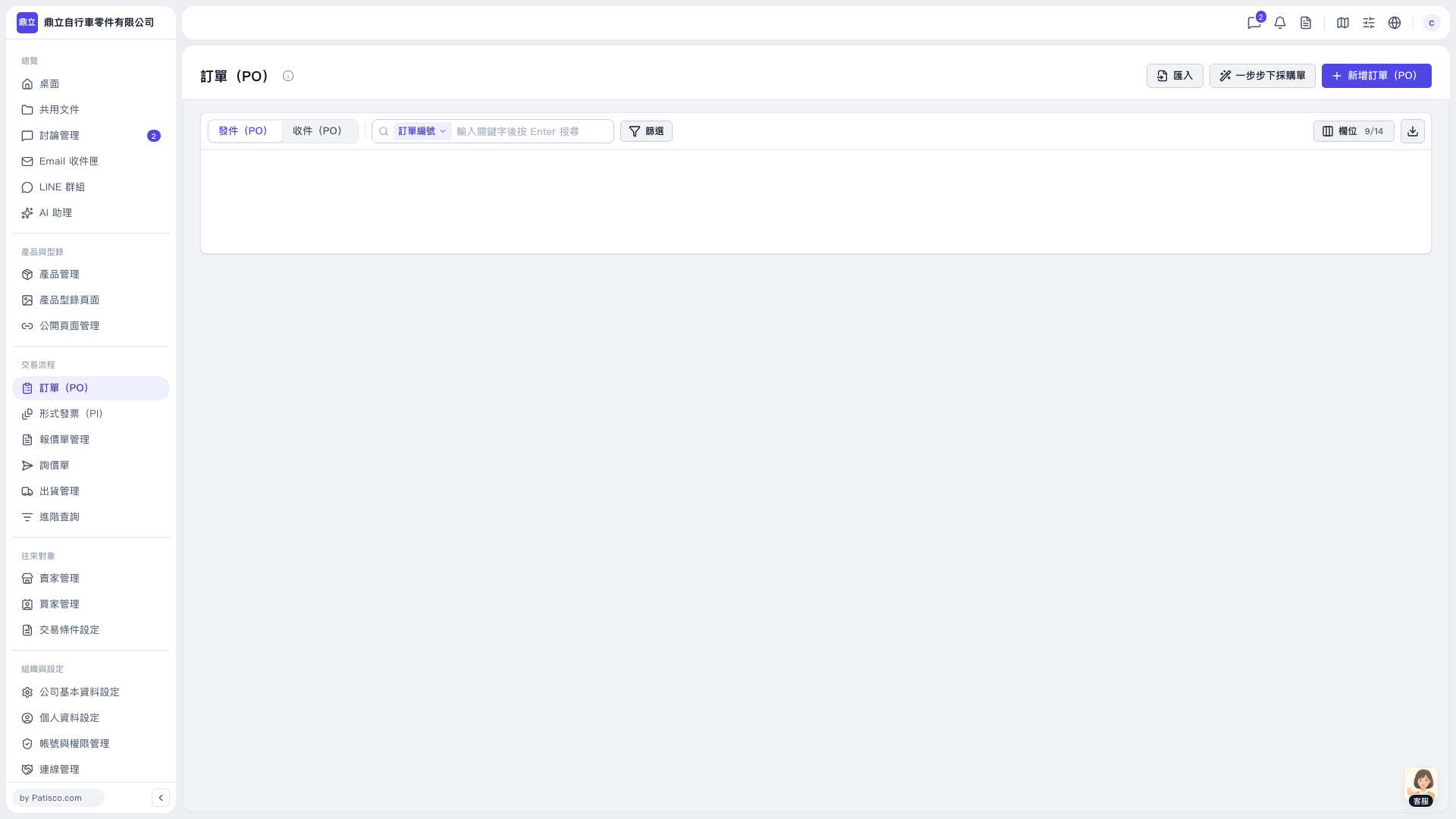
1. Find a PO: Enter a keyword in the search box above the list and press Enter. The default search field is PO number. You can also click “Filter” to the right of the search box to set conditions. 2. Create a PO: Click the blue-purple “New PO” button at the top right and fill in the PO details. For step-by-step guidance, click “Create a PO step by step” to its left. 3. Create POs in bulk: Click “Import” at the top right and upload the data. 4. Adjust the table contents: Click “Columns” at the top right of the list and select the columns to display. For example, “Columns 9/14” means that 9 of the 14 columns are displayed. 5. To export the list, click the download icon at the far right of the top of the list.
 V5 新桌面版|訂單(PO)