
1. Click “Desktop” in the left sidebar to open the dashboard. 2. Click the “Seller Product Page” tab at the top of the page to switch from “Data Analysis.” 3. Open the supplier's catalog. 4. Narrow the results or compare prices as needed. Note: A supplier's products will not appear in your own “Product Management.” If a product has no price displayed, the supplier has not enabled price visibility. You can ask the supplier to enable it, or submit an inquiry directly in the catalog.
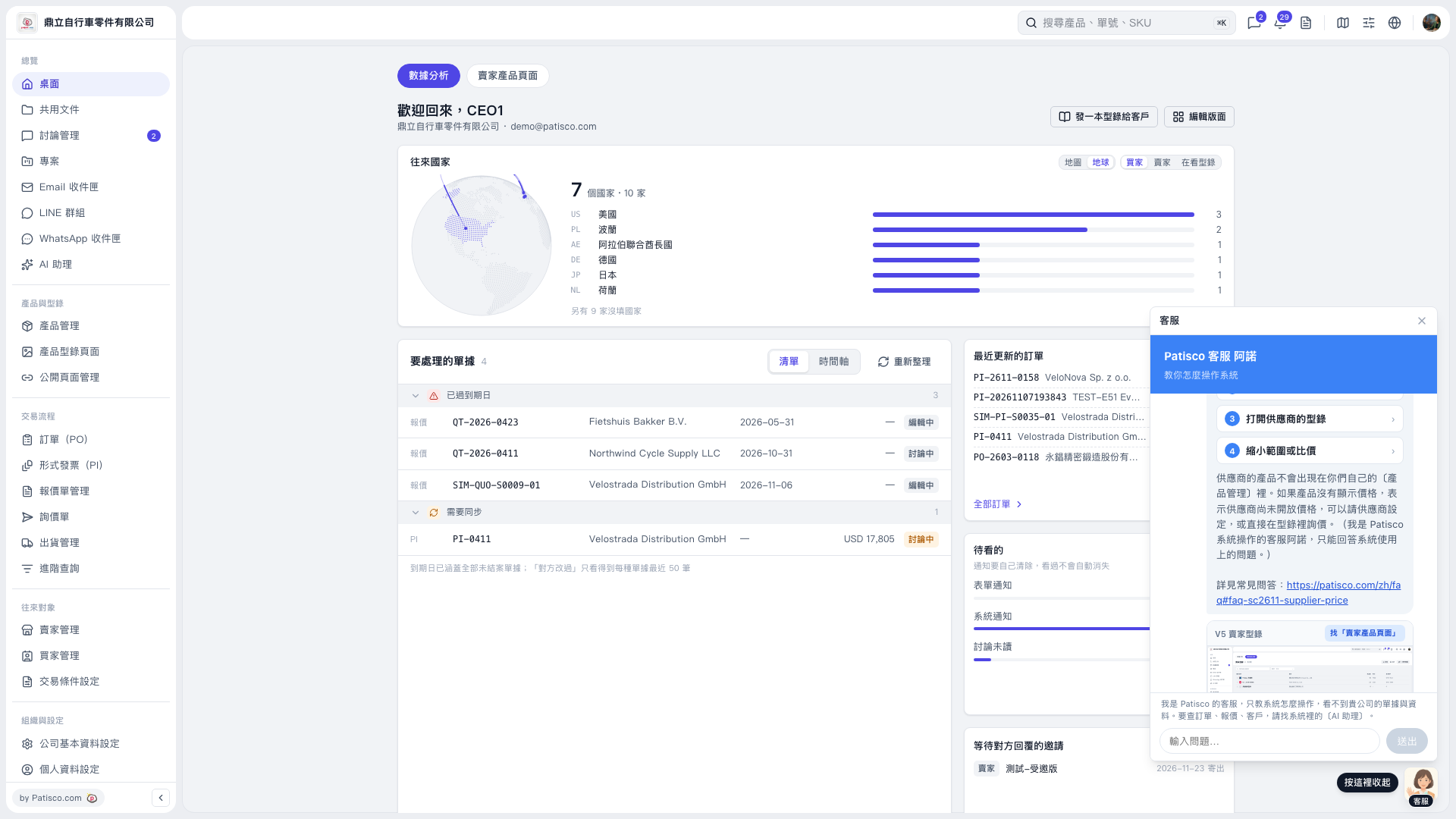 V5 新桌面版|桌面(歡迎回來,CEO1)— 數據分析