
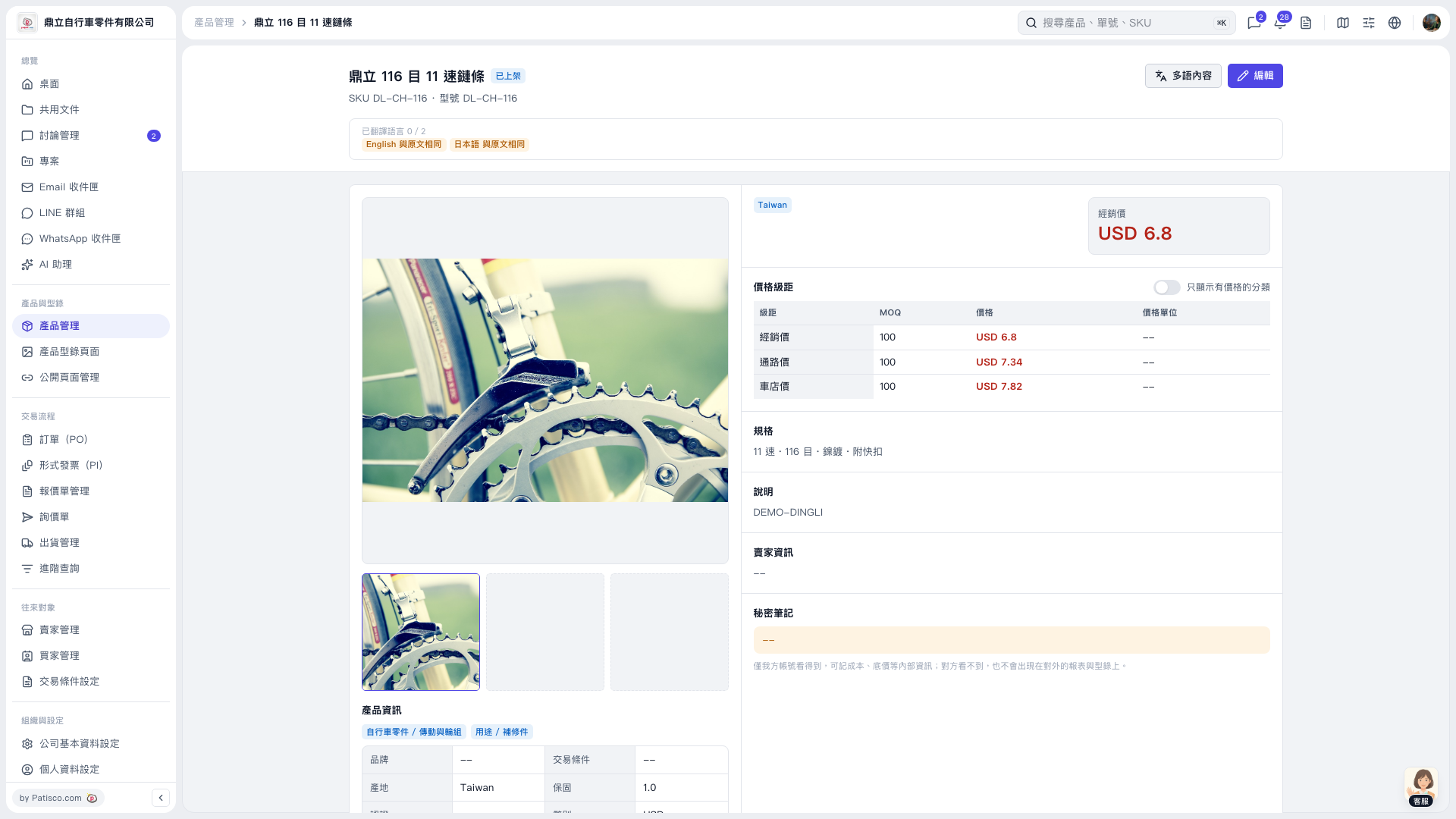
1. In V5, select the product you want to view and open its details page. 2. At the top of the page, you can check the product name, SKU, model, and listing status. 3. The main product image is on the left. Click the thumbnails below it to view different product images. 4. Scroll down to see price tiers (tier, MOQ, price, and price unit), specifications, a description, and product information such as brand, trading conditions, country of origin, and warranty. 5. Seller information and a private notes field are also available.
 V5 新桌面版|鼎立 116 目 11 速鏈條