
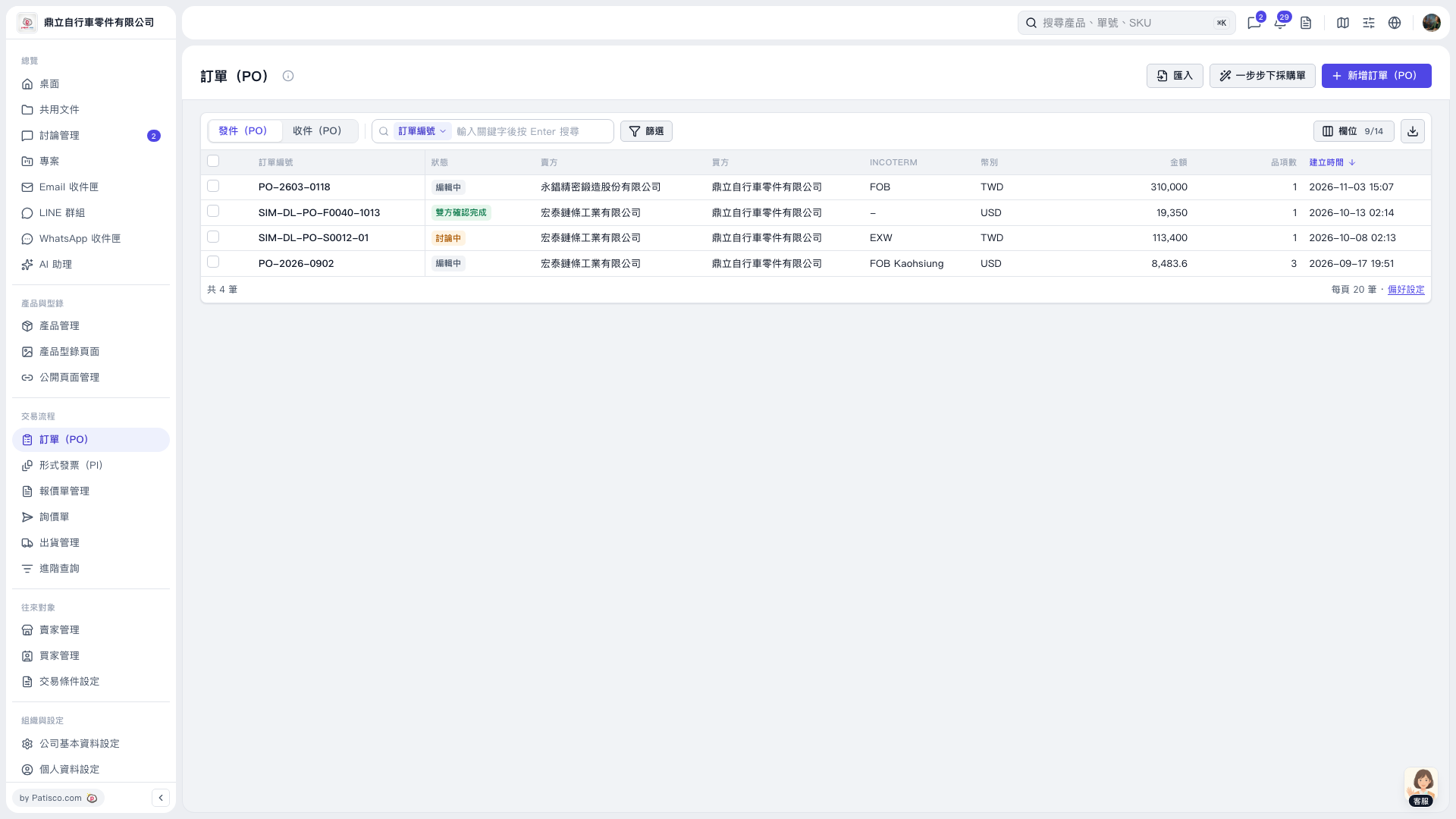
1. Open the “PO” list. 2. Enter a keyword in the search box above the list (the default search field is PO number) and press Enter. 3. To set more conditions, click “Filter” to the right of the search box. 4. To change which columns appear in the table, click “Columns” (for example, 9/14) at the top right of the list and make your selection. 5. To change list preferences such as the number of records per page, click “Preferences” in the bottom-right corner of the list.
 V5 新桌面版|訂單(PO)