
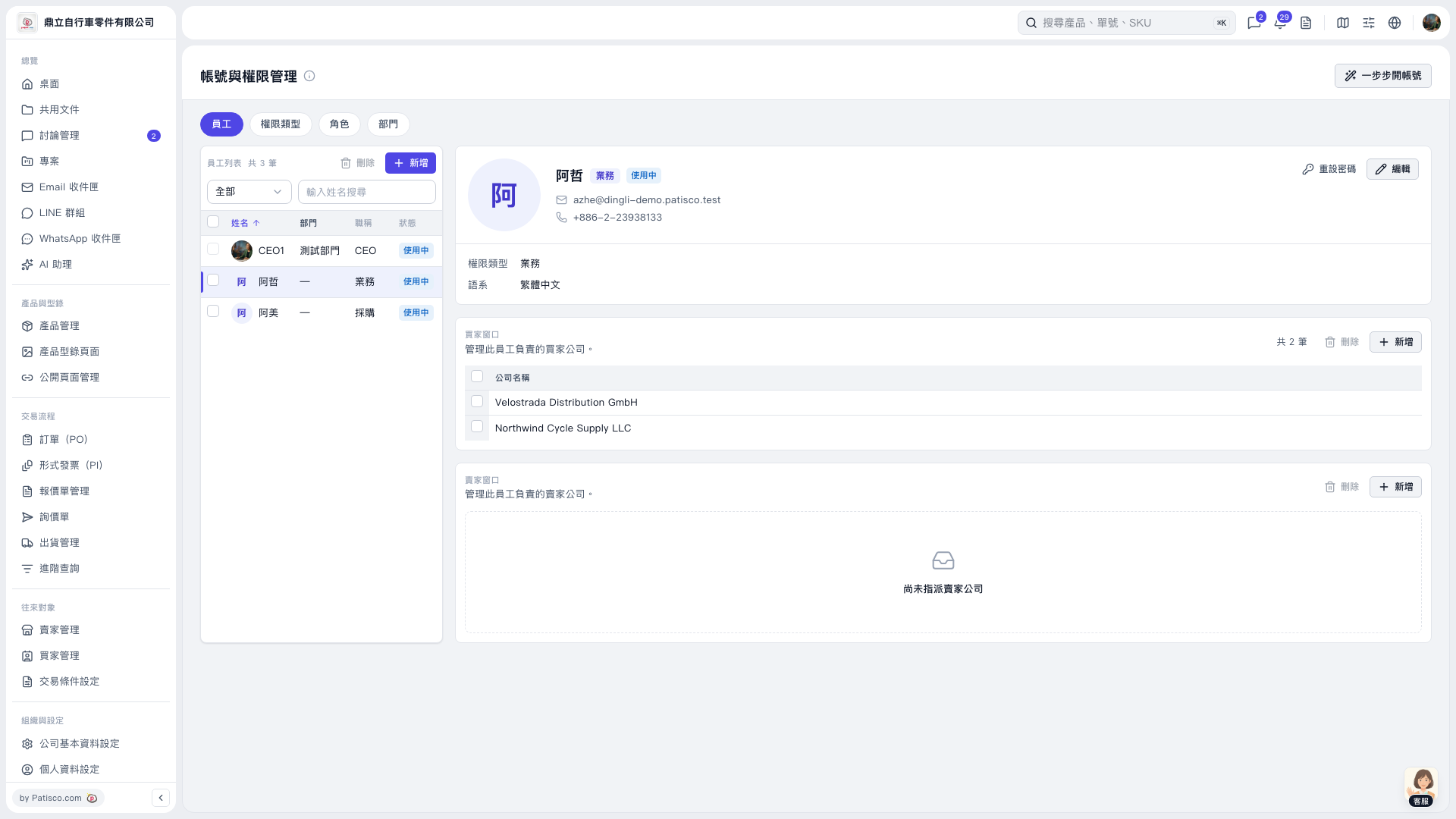
1. In the employee details, click “+ Add” under “Seller Contact” or “Buyer Contact” to open the selection list. 2. The list has “Company Name” and “Invitation Status” columns. The badges use the same terms as the buyer and seller lists, such as “Pending,” “Accepted,” and “Not Invited.” 3. Every row can be selected, including companies with the “Not Invited” status. There is no instruction above the list saying that you must send an invitation first. 4. The assignment is completed only after you select companies and save. Clicking “Cancel” will not assign them.
 V5 新桌面版|帳號與權限管理