
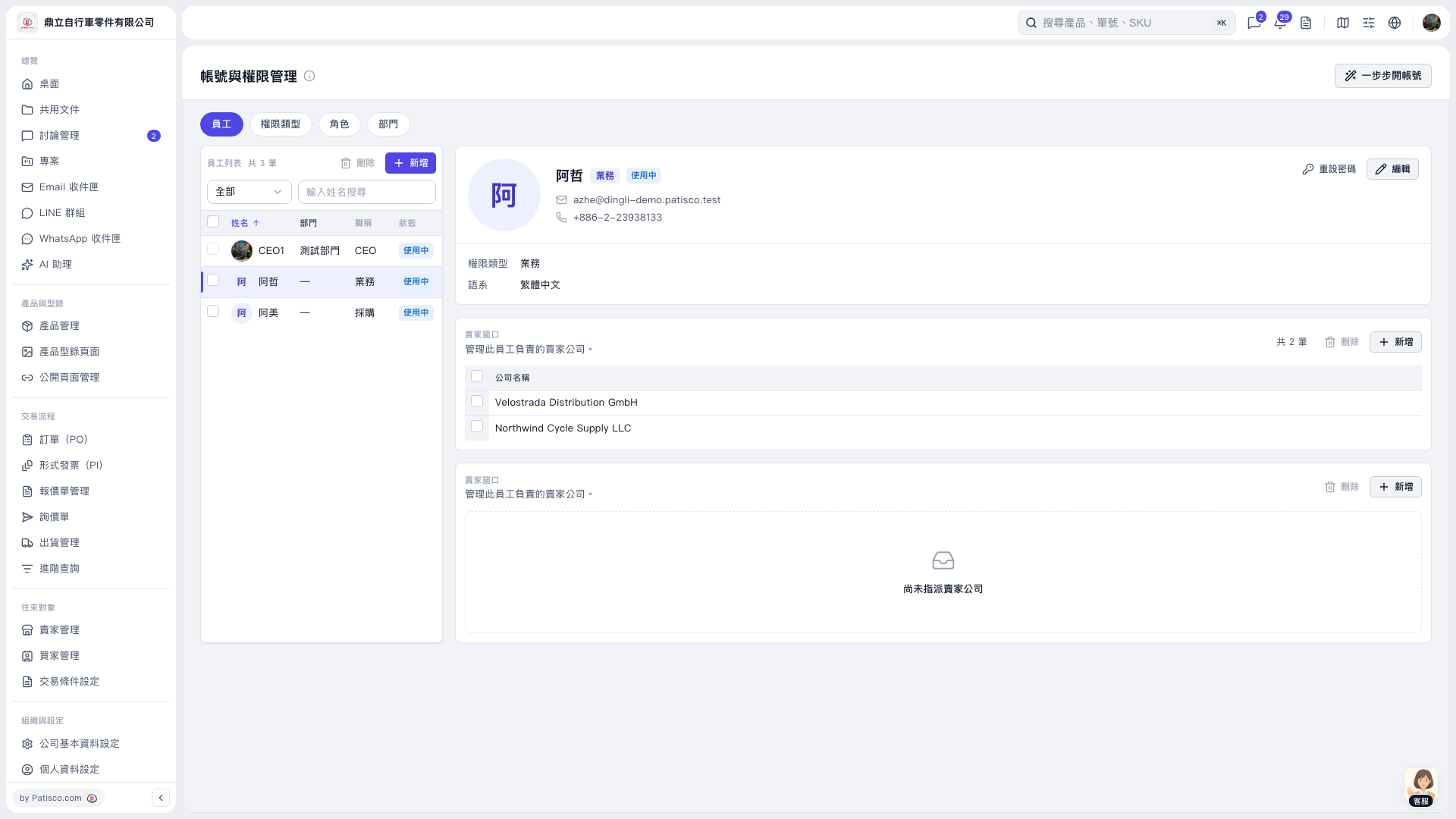
1. Open the “Employees” tab in “Account & Permission Management” and click the employee you want to update. 2. In the [Seller Contact] section, select the checkbox before the name of the company you want to remove. 3. Click [Delete] in the top-right corner of that section. 4. “Removed” appears. If the employee has no other seller assignments, the section returns to “No seller companies assigned.” Note: Clicking [Delete] does not open a confirmation prompt. Check the list carefully before selecting a company.
 V5 新桌面版|帳號與權限管理