
1. In the “Banner” section of the settings panel on the left, find the “Manual image switching” toggle. 2. When enabled, the banner shown to buyers displays left and right buttons and dots for manual switching. When disabled, the banners rotate automatically. 3. Check the result in the preview area on the right. Use the “View as” dropdown above the preview to choose a viewing role, such as the public page. 4. Click [Upload Changes] in the upper right so buyers and visitors can see the new settings. Reminder: Buyers and visitors cannot see changes until you click [Upload Changes].
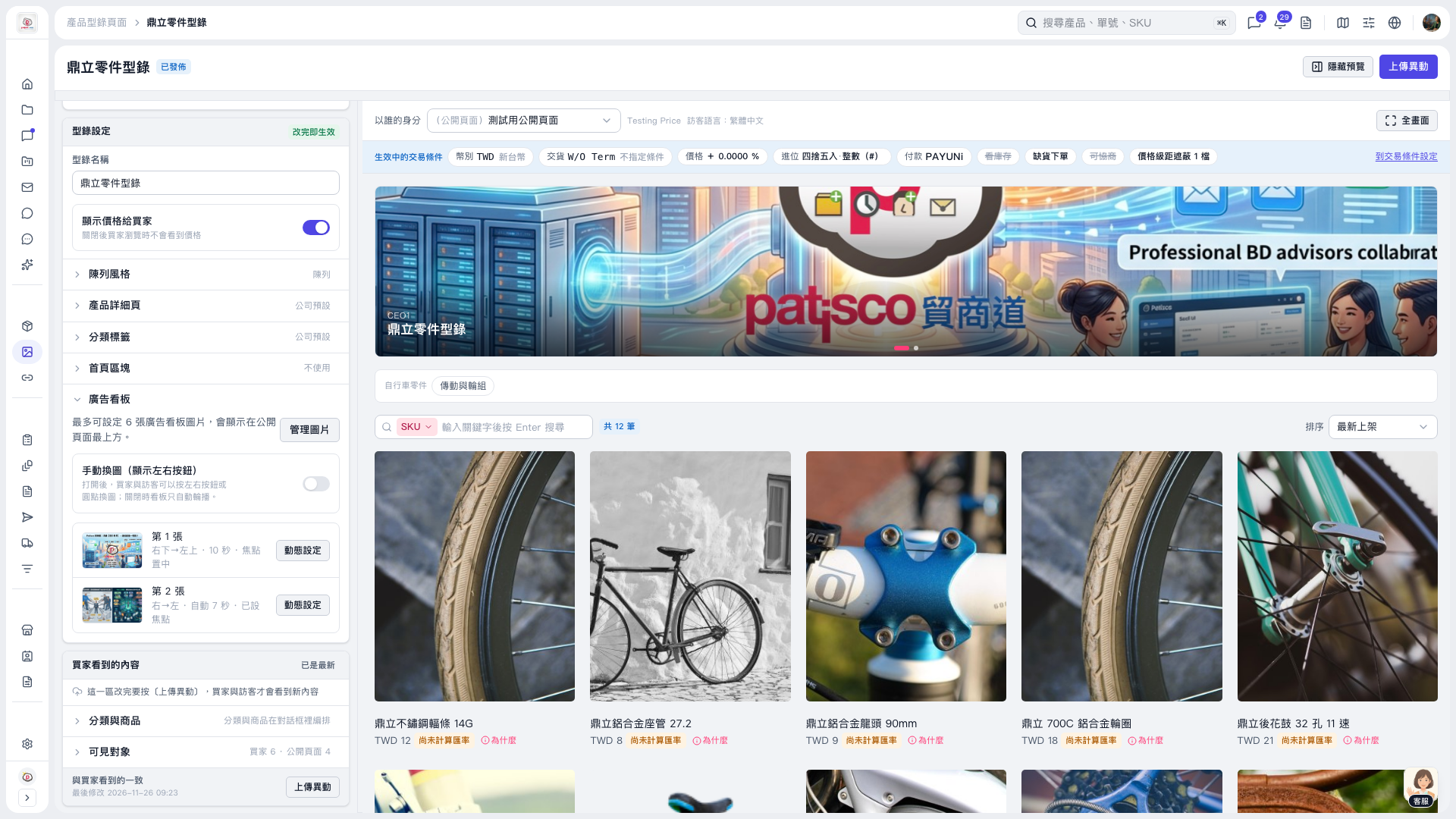 V5 新桌面版|鼎立零件型錄