
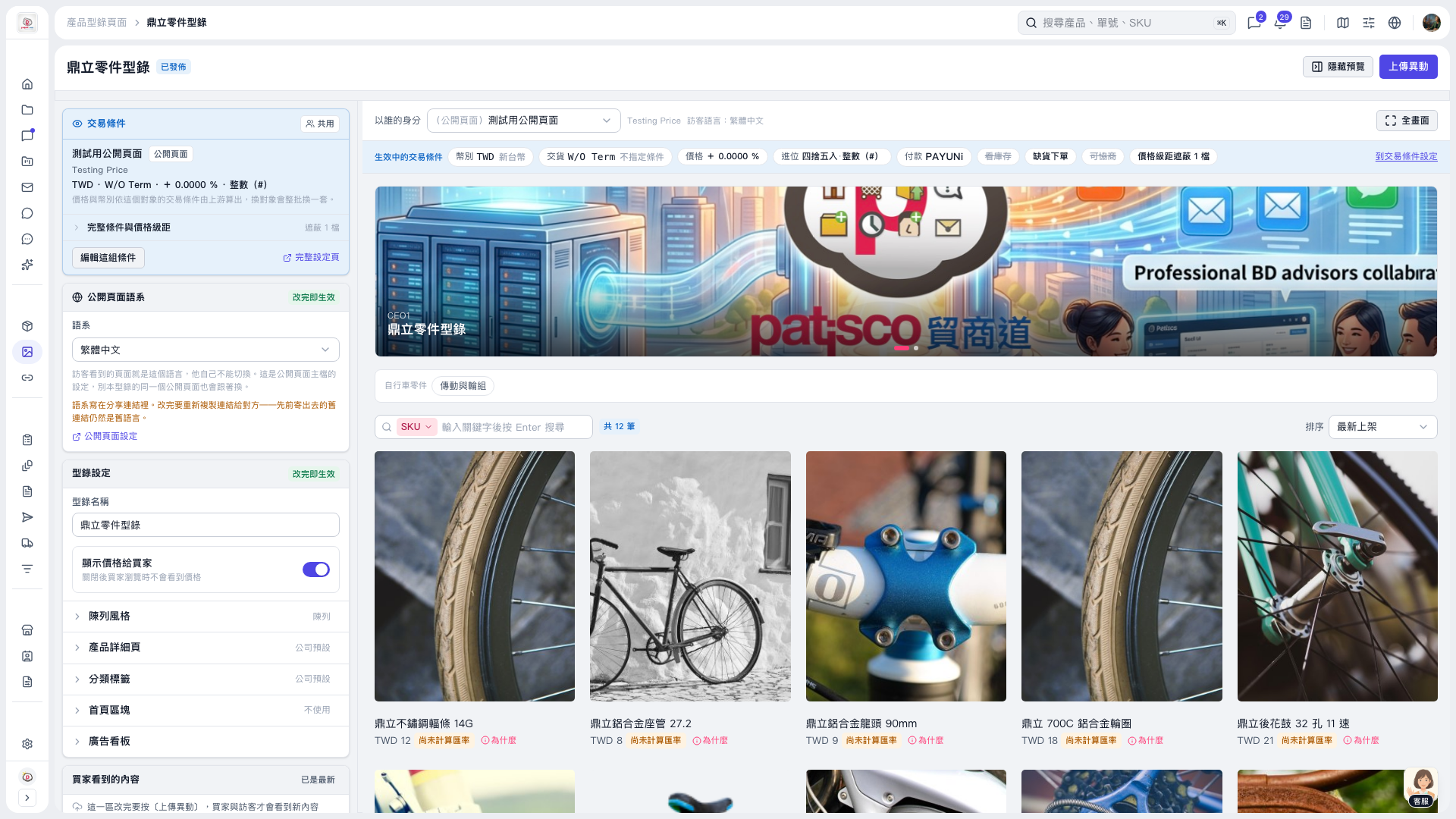
1. On the catalog page, expand the “Banner” section in the “Catalog Settings” card on the left. 2. Change the settings. Items marked “Takes effect immediately” are reflected in the preview on the right as soon as you change them. 3. Check the preview area on the right to make sure the banner images and animations display correctly. 4. To check a different perspective, use the “View as” dropdown above the preview. To enlarge the preview, click [Full Screen] in the upper right of the preview area. 5. After confirming everything is correct, click [Upload Changes] in the upper right so buyers and visitors can see the new content.
 V5 新桌面版|鼎立零件型錄(已發佈)