
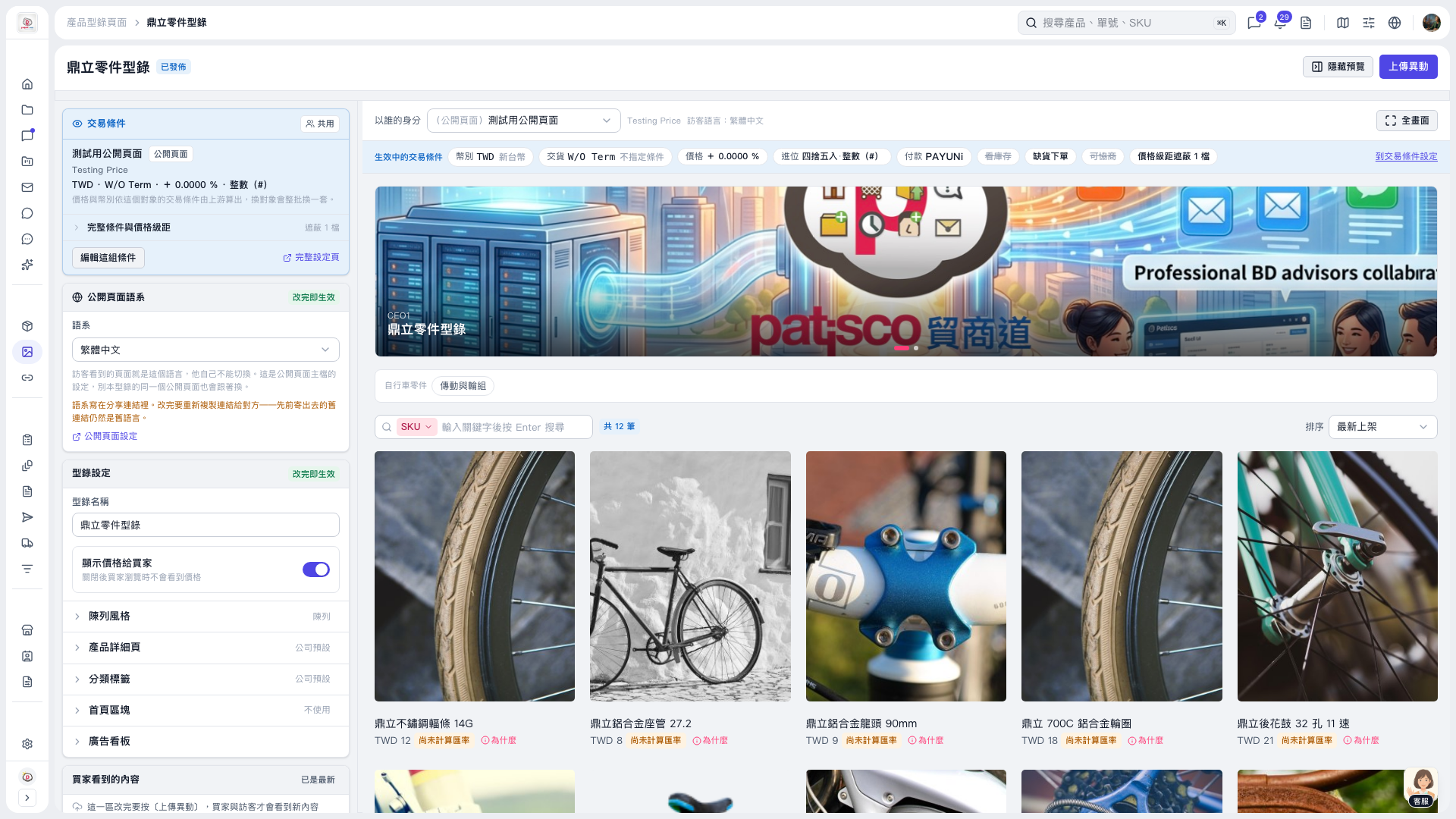
1. To free up space, click [Hide Preview] in the upper right, to the left of [Upload Changes]. This collapses the preview area on the right. Click it again to expand the preview. 2. To see details more clearly, click [Full Screen] in the upper right of the preview area to view the catalog preview in full screen. 3. Use the “View as” dropdown above the preview to change the viewing role, such as the public page perspective. 4. The preview is only for checking the display. You still need to click [Upload Changes] for buyers and visitors to see your changes.
 V5 新桌面版|鼎立零件型錄(已發佈)