
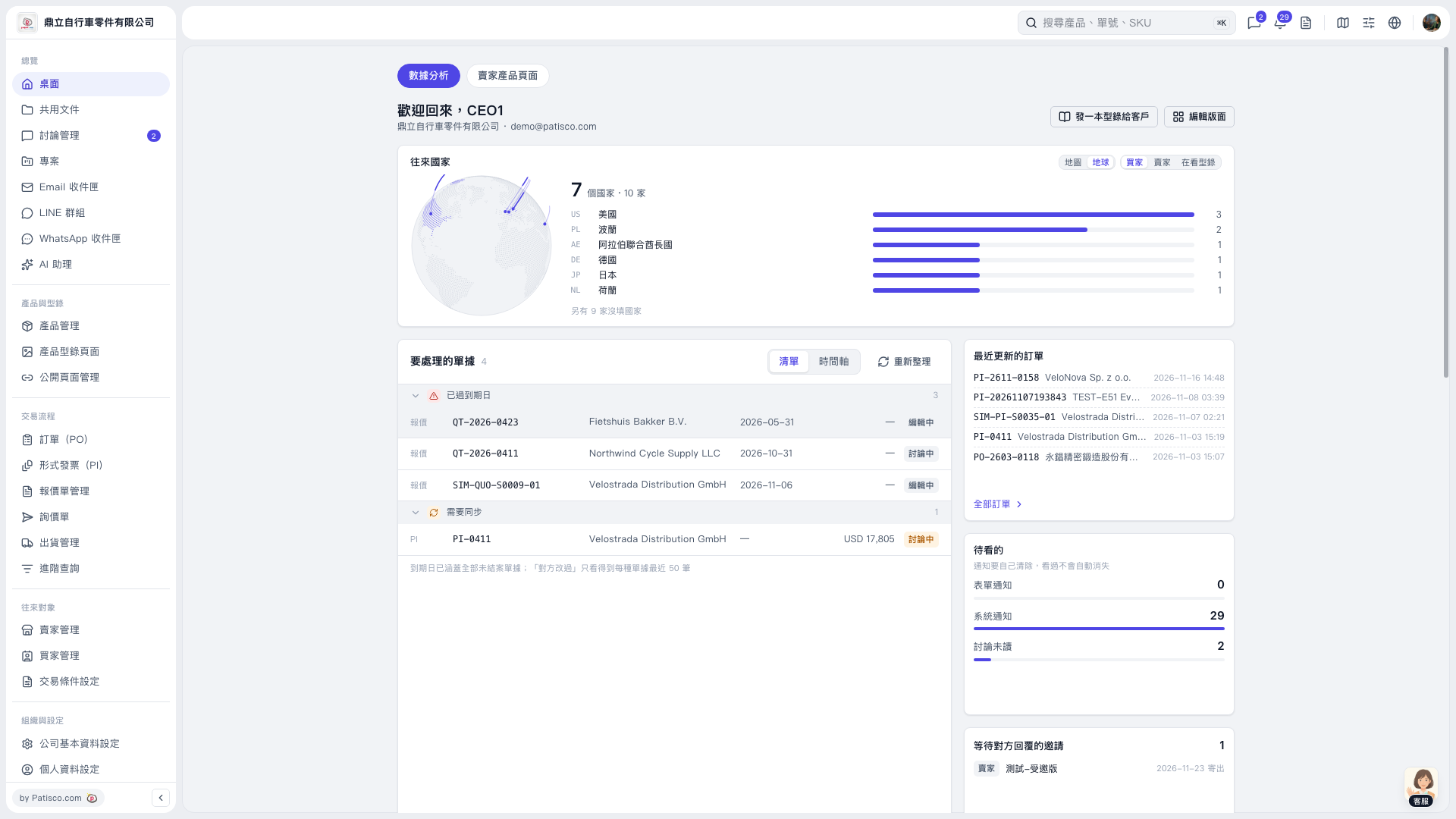
1. After logging in, open [Desktop] from the left sidebar. 2. Click [Send a Catalog to a Customer] at the top right of the page, to the right of the welcome heading. 3. Follow the on-screen instructions to create a catalog and send it to the customer. To rearrange the cards on the Desktop, click [Edit Layout] at the top right to customize the layout.
 V5 新桌面版|桌面(歡迎回來,CEO1)