
1. Log in to V5 and open [Desktop]. 2. In the [Documents to Handle] panel, check documents that are past due or need syncing. The list shows the document type, document number, customer name, due date, amount, and status (Editing/In Discussion). 3. Use [List] or [Timeline] at the top right of the panel to switch how documents are displayed. 4. Click the row of the document you want to handle to open it. 5. Update the contents or reply to the customer according to its status. 6. Return to the Desktop and click [Refresh] at the top right of the panel to confirm that the list has been updated.
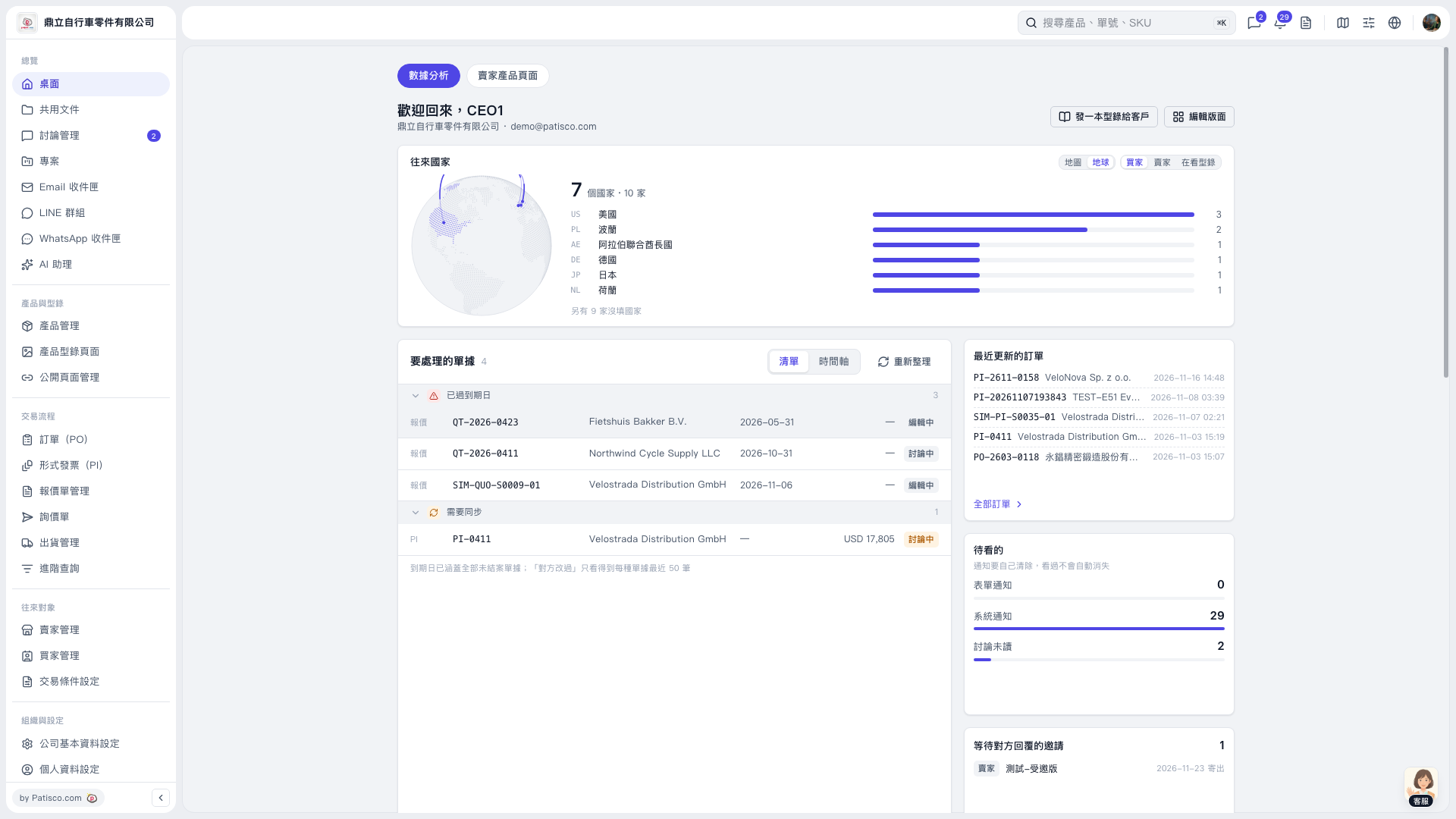 V5 新桌面版|桌面(歡迎回來,CEO1)