
1. To view recent POs, check the PO numbers, customers, and update times in the [Recently Updated POs] panel on the Desktop. 2. To view the full PO list, click [All POs] at the bottom left of the panel. 3. To find a product, document, or SKU directly, enter a keyword in the [Search Products, Document Numbers, SKUs (⌘K)] search bar at the top.
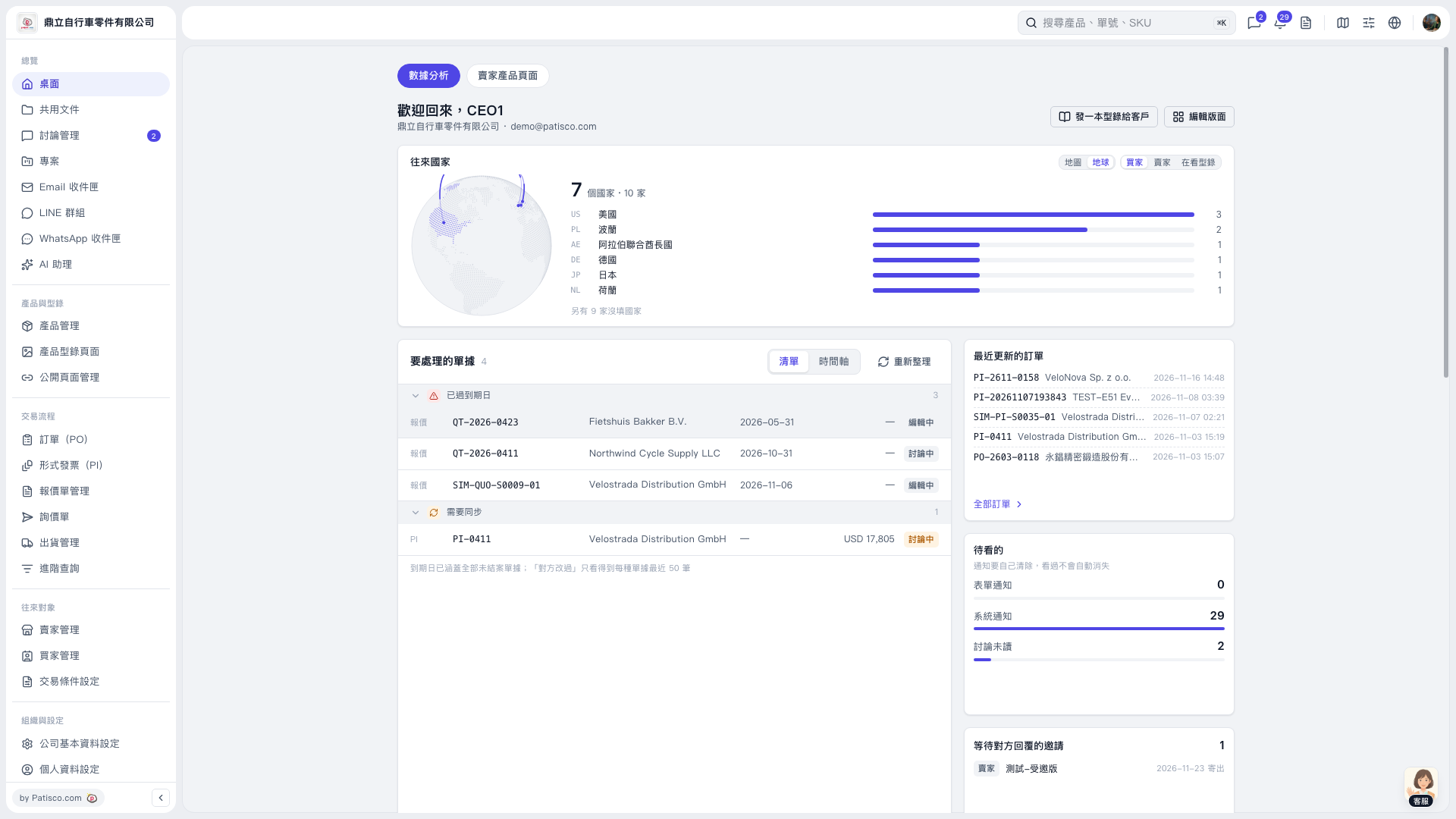 V5 新桌面版|桌面(歡迎回來,CEO1)