
1. Click [Desktop] in the left sidebar to open the dashboard. 2. In the [Documents to Handle] card, check documents that are past due or need syncing. Each row shows the document type, document number, customer/supplier name, due date, amount, and status (Editing/In Discussion). 3. Click the row you want to handle to open the document and edit it directly or follow up. 4. To update the list, click [Refresh] at the top right of the card. You can also use [List/Timeline] to switch the display.
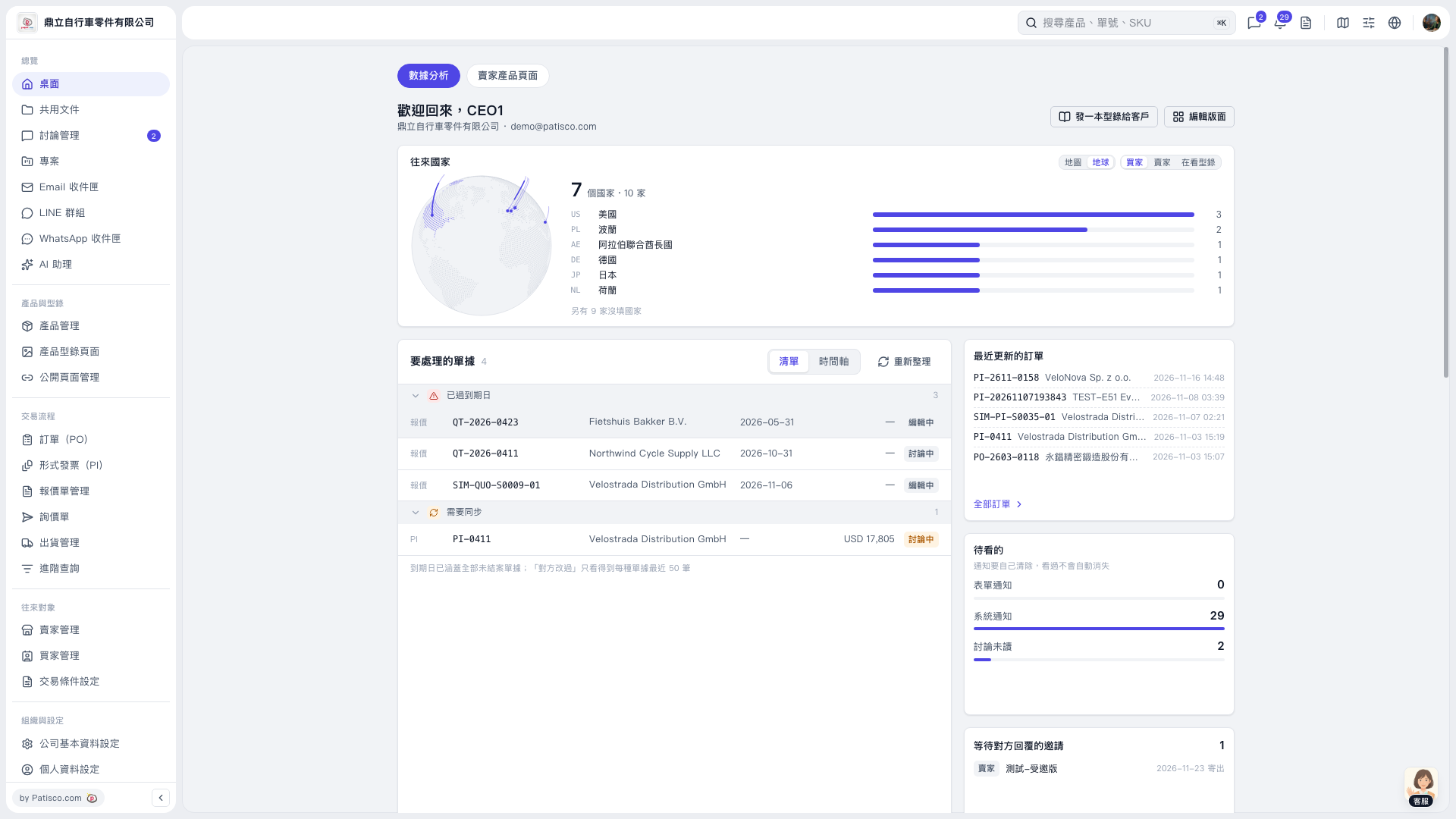 V5 新桌面版|桌面(歡迎回來,CEO1)— 數據分析