
1. Check the [Recently Updated POs] card on the right side of the Desktop for the latest activity. 2. To view all POs, click [All POs] at the bottom of the card to open the full PO list. 3. To find a specific product, document, or SKU, enter a keyword in the [Search Products, Document Numbers, SKUs (⌘K)] search bar at the top. 4. Check system notifications and unread discussions in the [To Review] card, then handle them as needed.
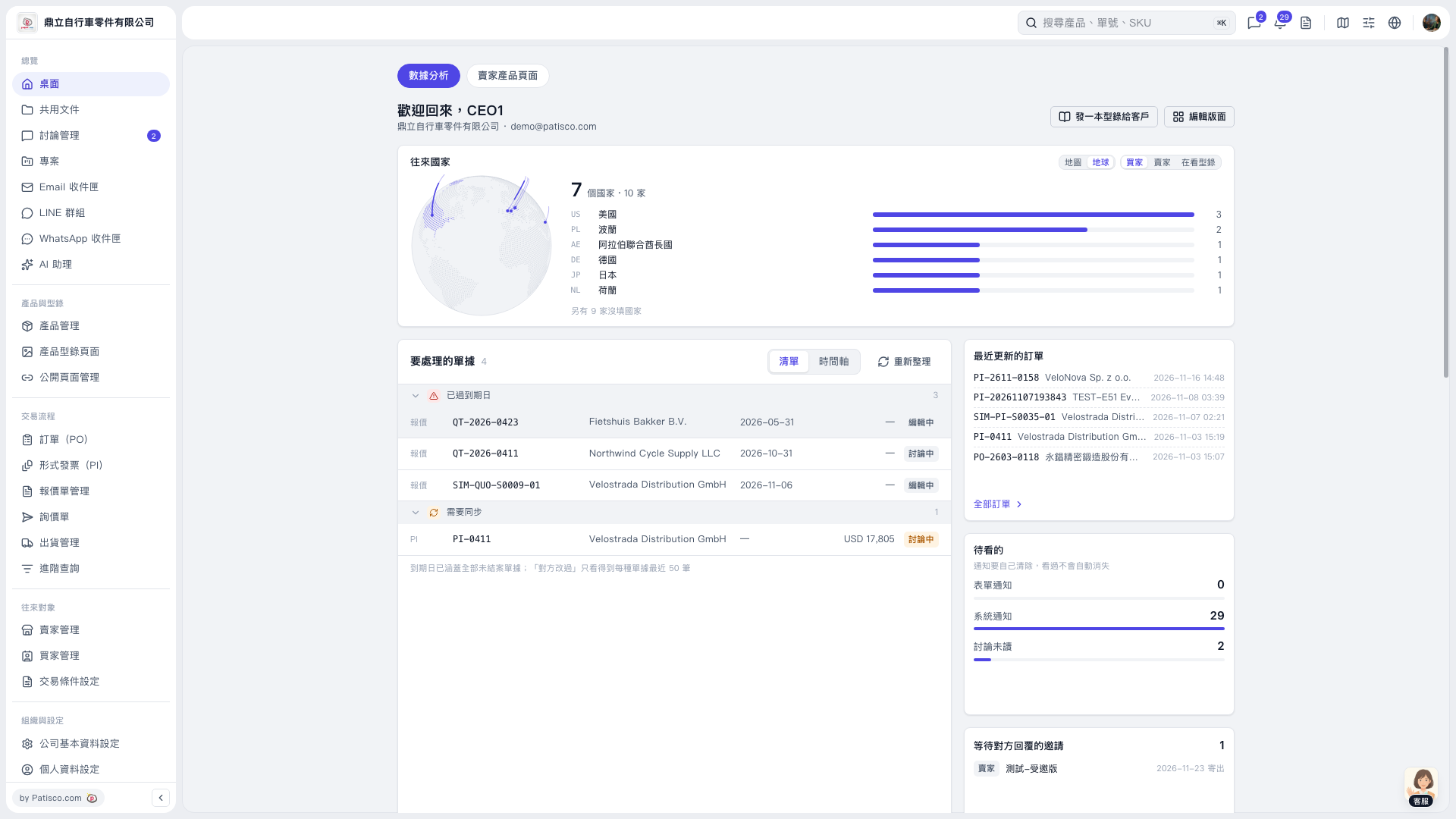 V5 新桌面版|桌面(歡迎回來,CEO1)— 數據分析