
1. After logging in, you will arrive at the Desktop. First, check the [Documents to Handle] section for documents that are past due or need syncing. 2. Click the row of the document you want to handle (a quotation or Proforma Invoice) to open it. 3. Return to the Desktop and check [Recently Updated POs] for recent PO activity. To view the full list, click [All POs] at the bottom of the section. 4. Check system notifications and unread discussions in the [To Review] section, then open the relevant feature from the left sidebar to handle them. Tip: Use [List]/[Timeline] at the top right of [Documents to Handle] to switch the display, or click [Refresh] to reload the documents that need attention.
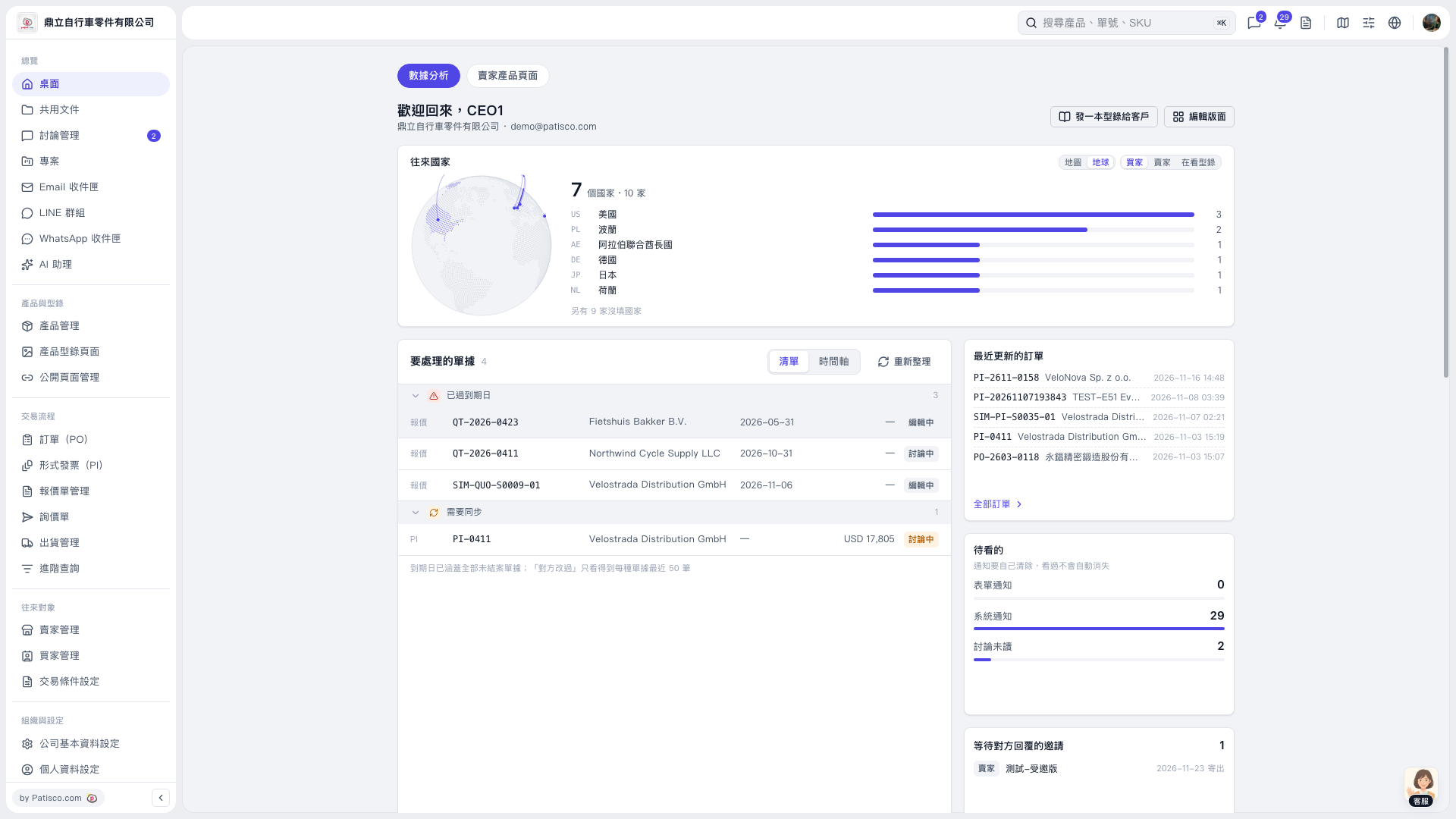 V5 新桌面版|桌面(歡迎回來,CEO1)