
1. Enter a product, document number, or SKU in the search bar near the top center-right. The keyboard shortcut is ⌘K. 2. To send a catalog to a customer, click [Send a Catalog to a Customer] at the top right, to the right of the welcome heading. 3. To rearrange Desktop widgets, click [Edit Layout] at the top right. 4. Use the tabs at the top of the page to switch between [Analytics] and [Seller Product Page]. 5. At the top right of the [Trading Countries] section, you can switch between map and globe views and choose whether the statistics show buyers, sellers, or catalog viewers.
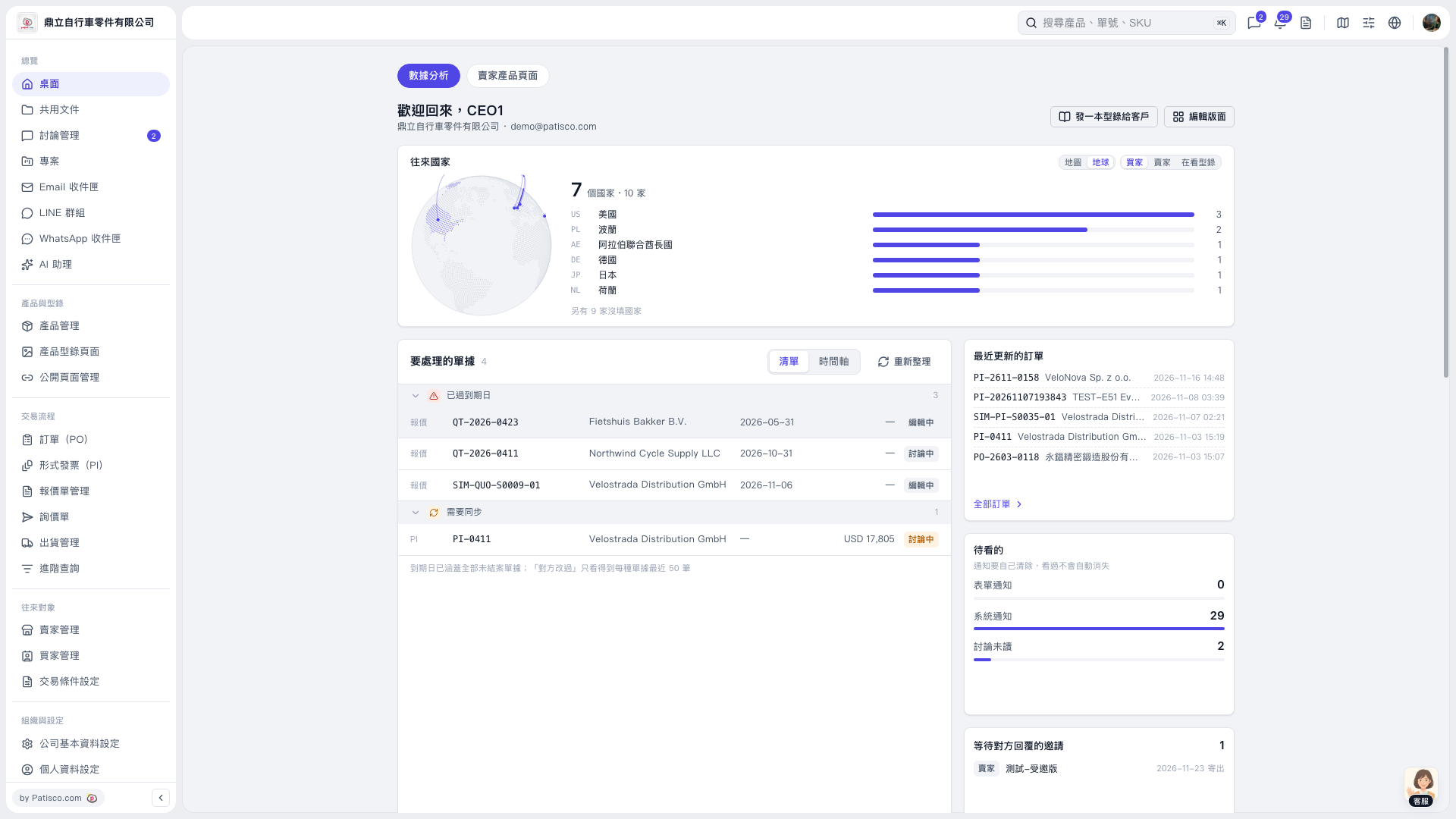 V5 新桌面版|桌面(歡迎回來,CEO1)