
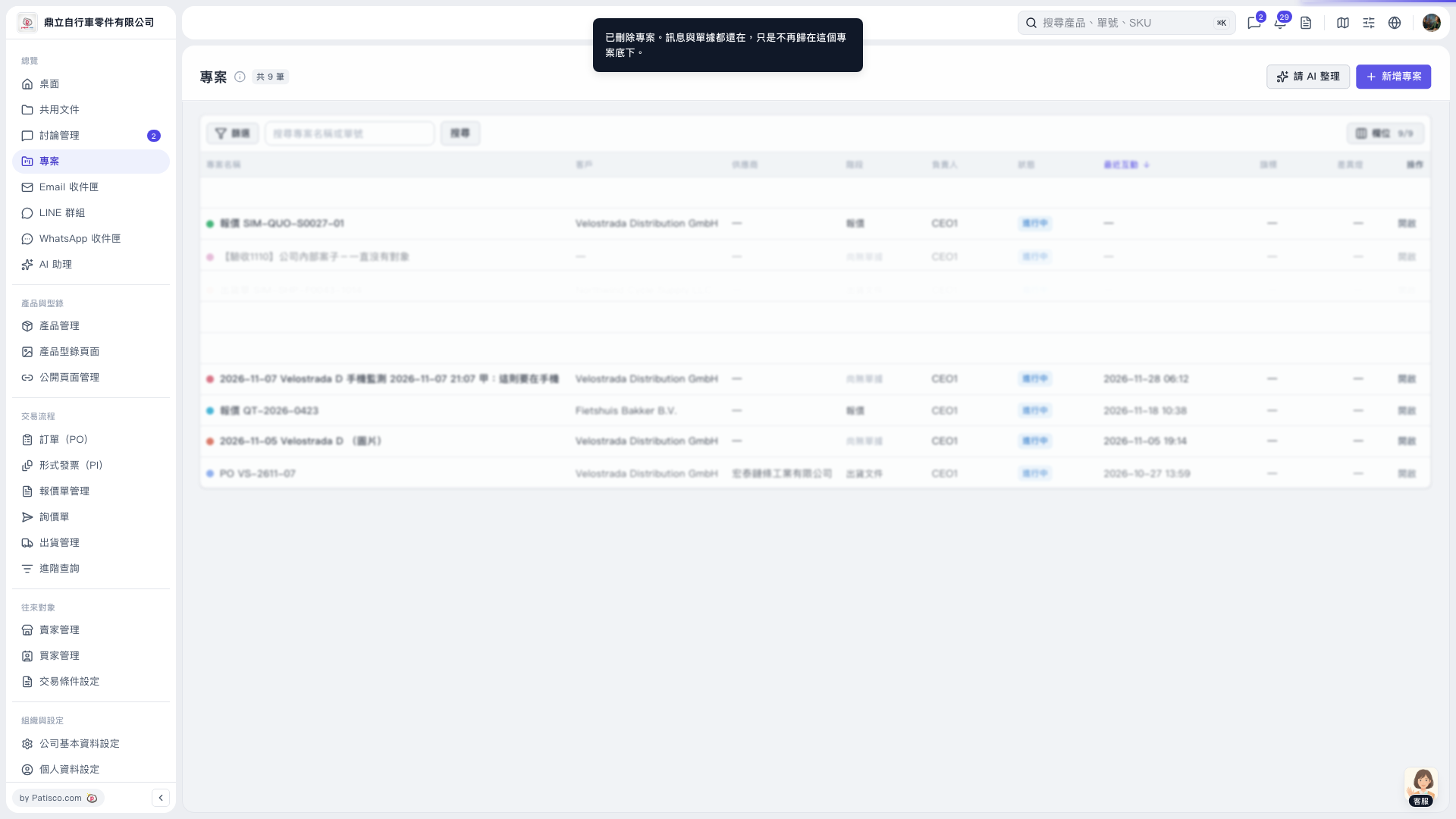
1. Click “Projects” in the left sidebar to open the project list. 2. Click the purple [New Project] button in the upper right. 3. Fill in the information in the popup window. If you do not want to link a document, you can create the project without one. 4. Once created, the new project will appear in the project list.
 V5 新桌面版|專案