
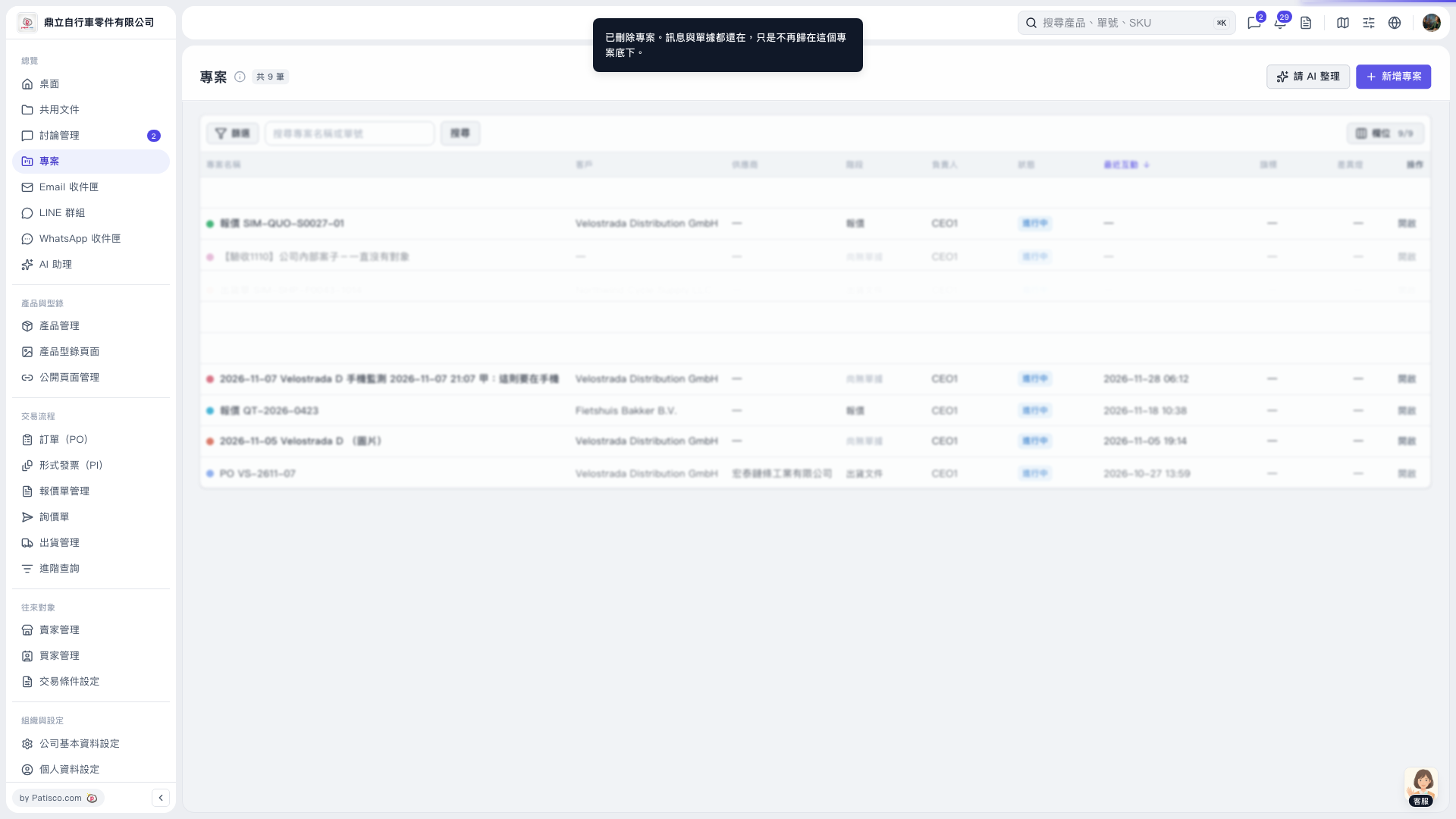
1. Click [Delete Project] on the project details screen. 2. After deletion, a notice at the top of the page will tell you that related messages and documents are retained but are no longer grouped under that project. 3. Return to “Projects” in the left sidebar. The project will no longer appear in the list, and opening its URL directly will also result in a page not found.
 V5 新桌面版|專案