
1. Click “Projects” in the left sidebar and open the project you want to work on. 2. To add a document in the center section, click [Link a Document] on the right of the relevant customer section. To add one to the milestones, click [Link a Document] in the upper right of the “Milestones” card on the right. 3. Select the document you want to link. Tip: When a document card is added to this project's discussion thread, the document is also linked automatically, so you do not always need to link it manually.
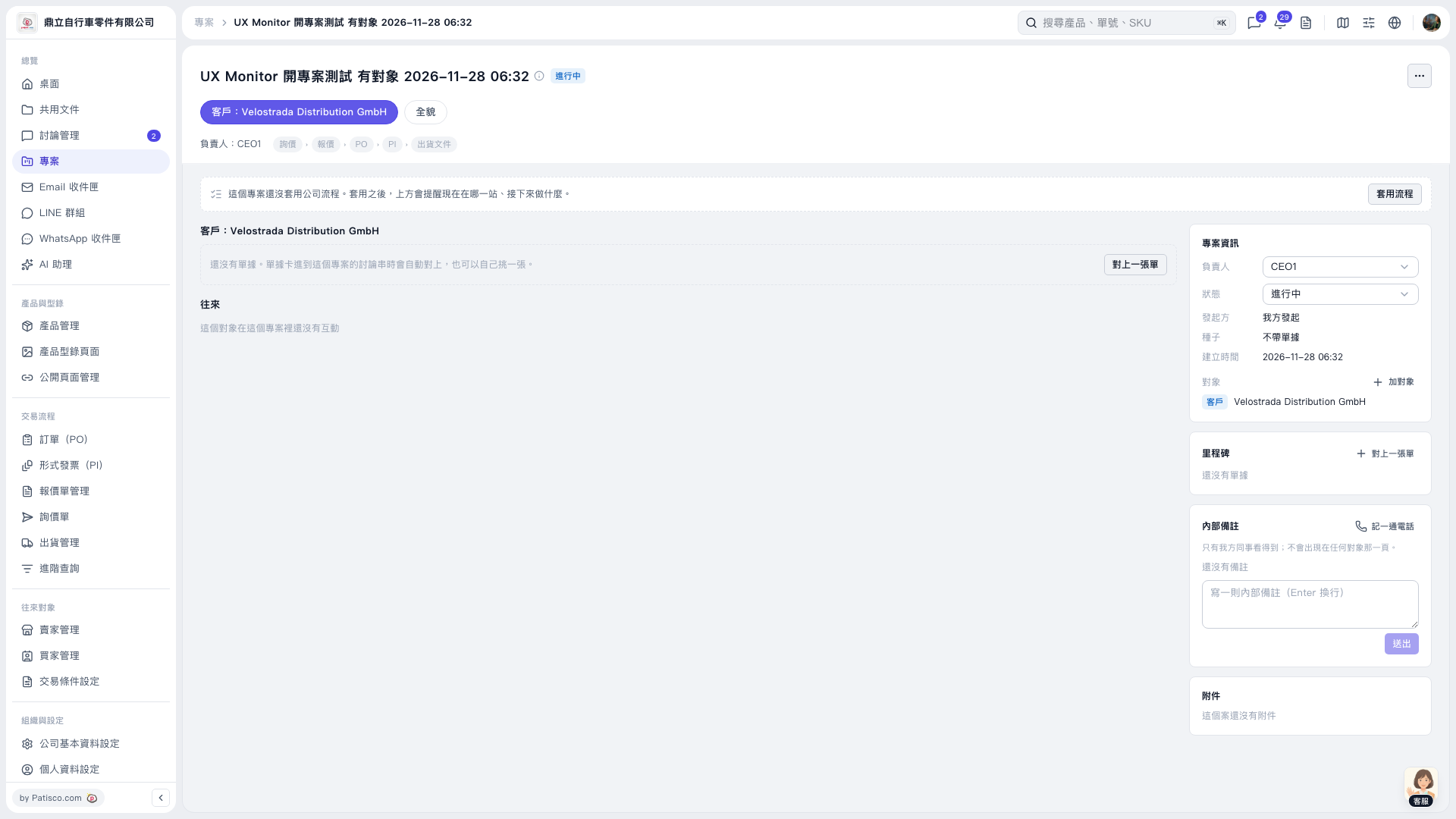 V5 新桌面版|UX Monitor 開專案測試 有對象 2026-11-28 06:32(專案詳情)