
1. Click "Projects" in the left sidebar and open the project you want to work on. 2. Click [Link a Document] on the right side of the "Customer: …" section in the center. 3. From the available documents, select the document you want to link to the project, such as an inquiry, quotation, or PO. 4. After linking it, check the "Milestones" card on the right to confirm that the document is listed. You can also link a document by clicking [+ Link a Document] in the upper-right corner of the "Milestones" card. A document can also be linked automatically when its card is added to the project's discussion thread.
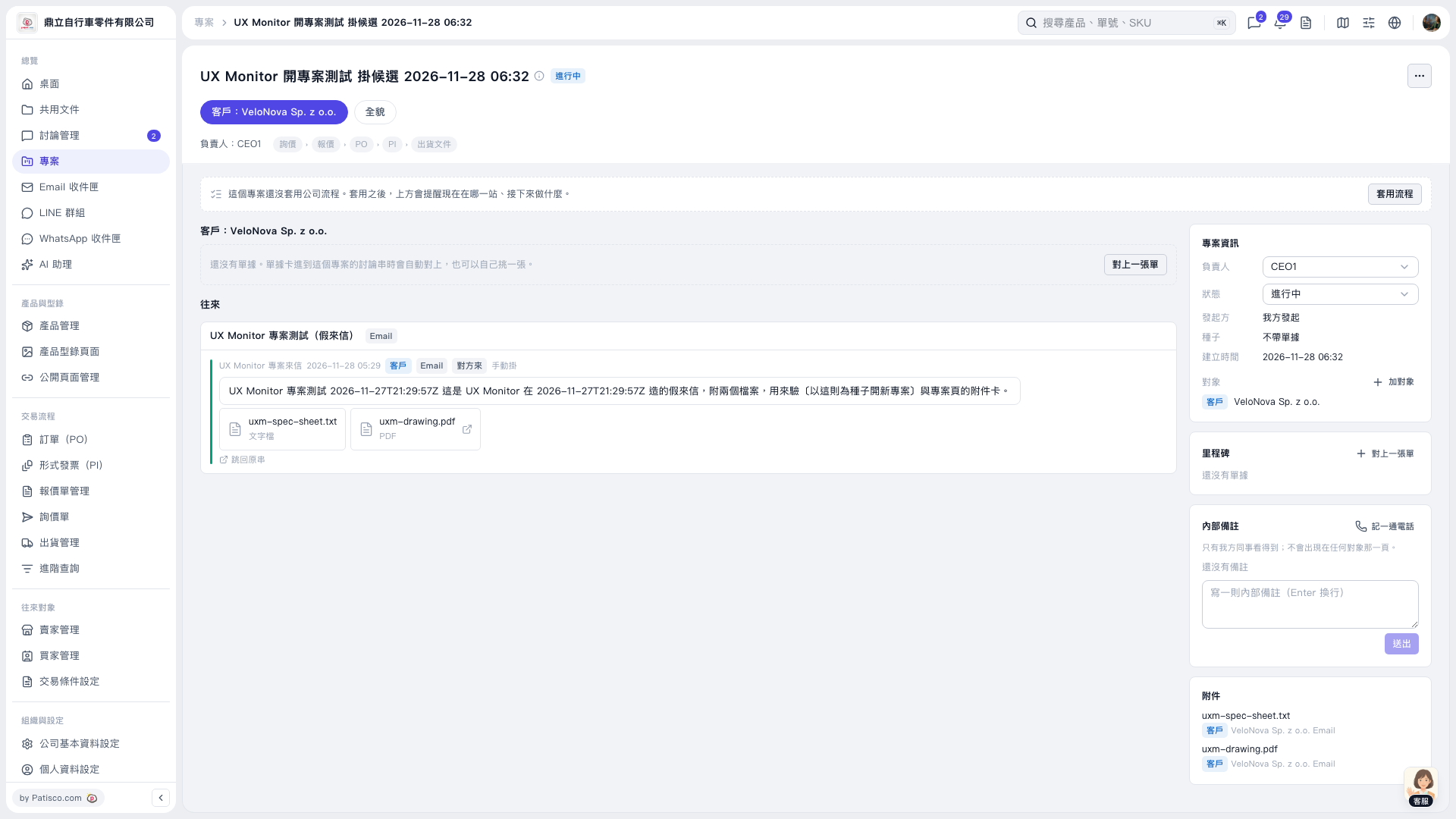 V5 新桌面版|UX Monitor 開專案測試 掛候選 2026-11-28 06:32