
1. Select the incoming email thread you want to work on from the discussion list on the left. 2. Read the email in the center. To view the original email, click "View Original Email". To view an attachment, click its name. 3. Click "This Is a New Document" below the email to expand the options for creating a new document.
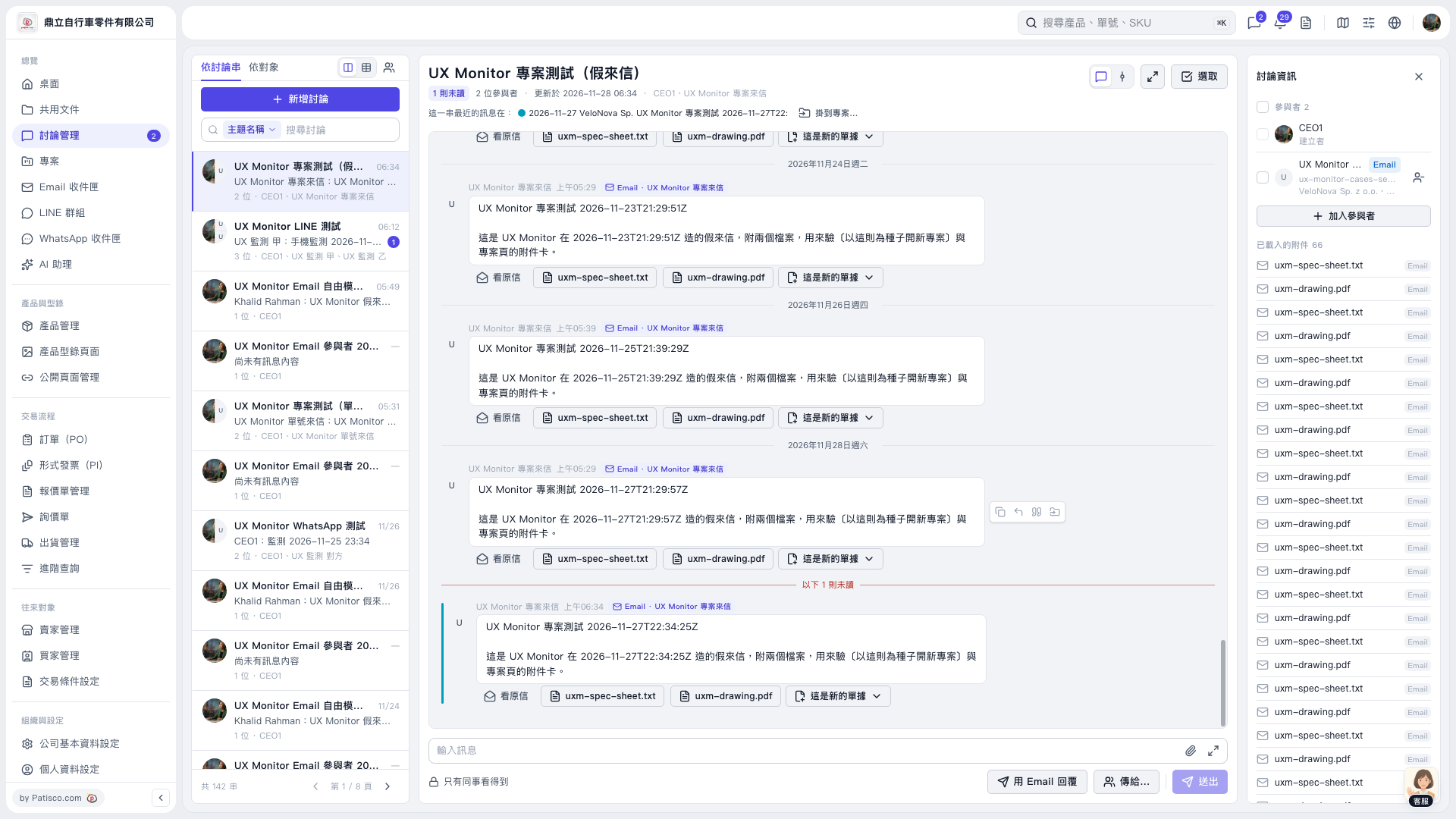 V5 新桌面版|UX Monitor 專案測試(假來信)