
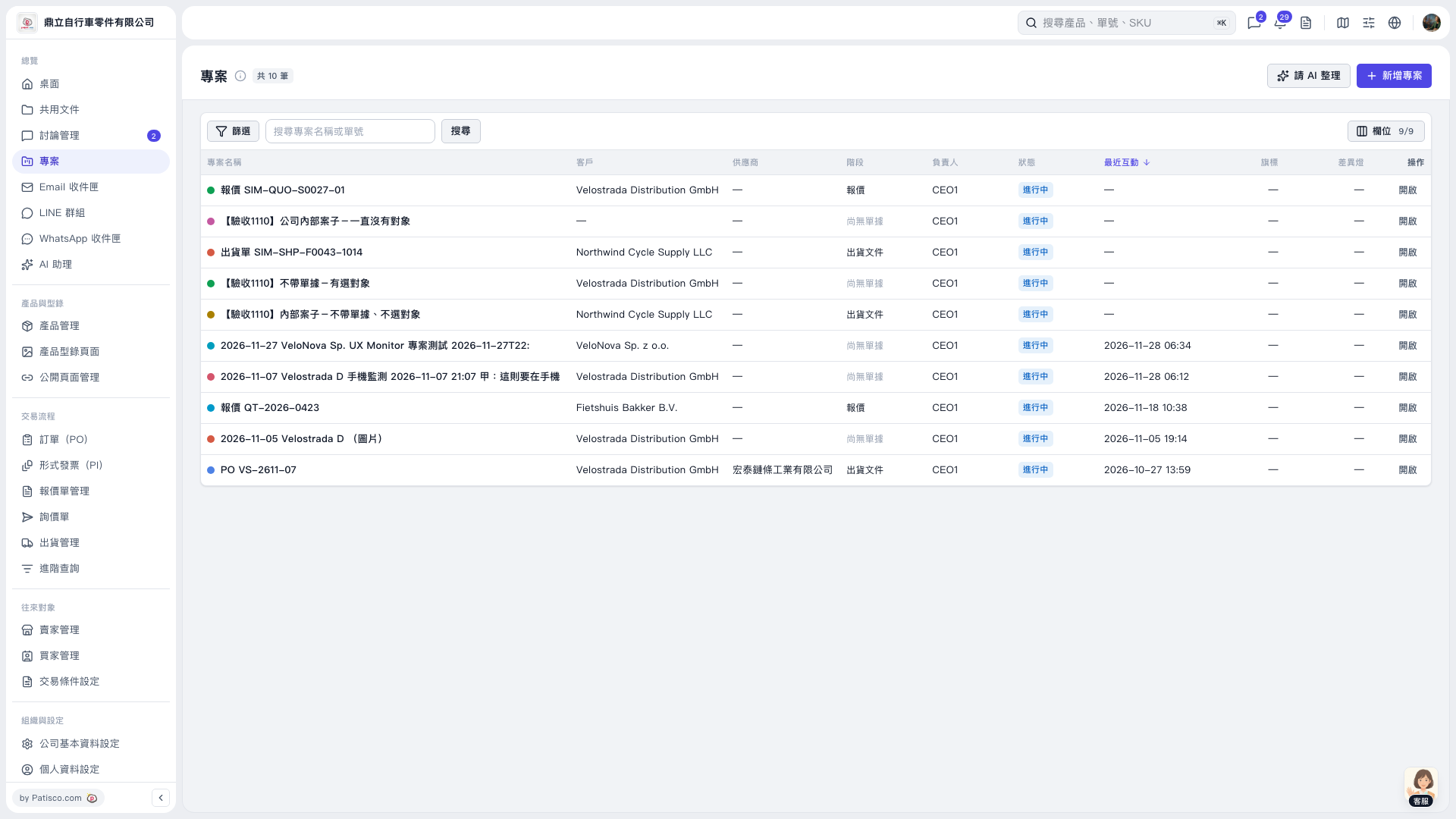
1. Enter a keyword in the "Search by project name or document number" field at the top of the "Projects" page and click [Search]. 2. To narrow the results, click [Filter] and set conditions. 3. Check the project name, customer, stage, and status in the list. 4. Click [Open] on the right side of the row to view the project details.
 V5 新桌面版|專案