
1. Enter the project name or document number above the “Projects” list, then click “Search”. You can also use “Filter” to narrow the results. 2. Find the project you want to delete, then click “Open” on the right side of its row. 3. Click [⋯] in the upper-right corner of the project page, then select [Delete project]. 4. Click [Delete project] in the confirmation dialog to complete the deletion.
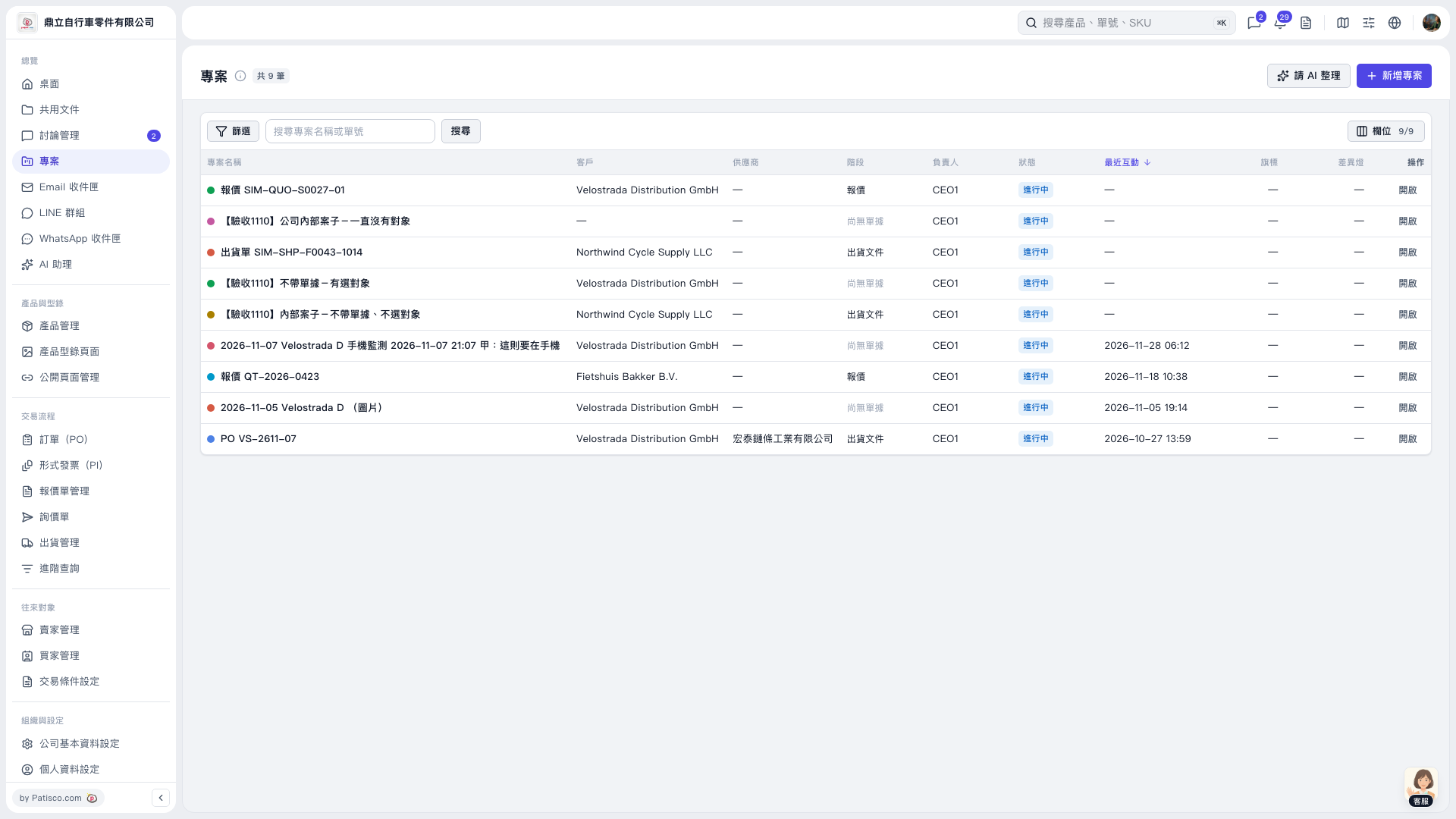 V5 新桌面版|專案